Roku Streaming Stick HD with Voice Remote
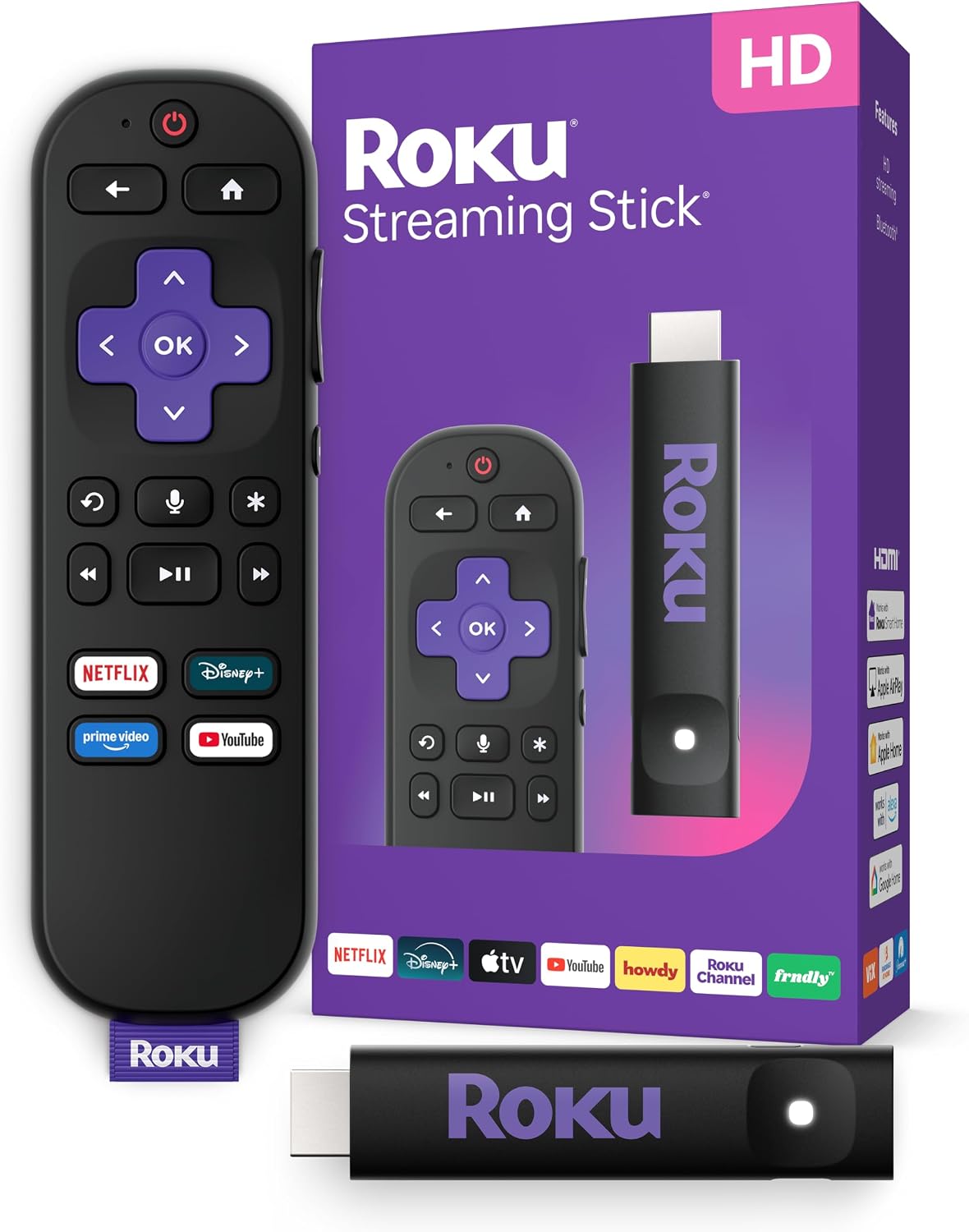
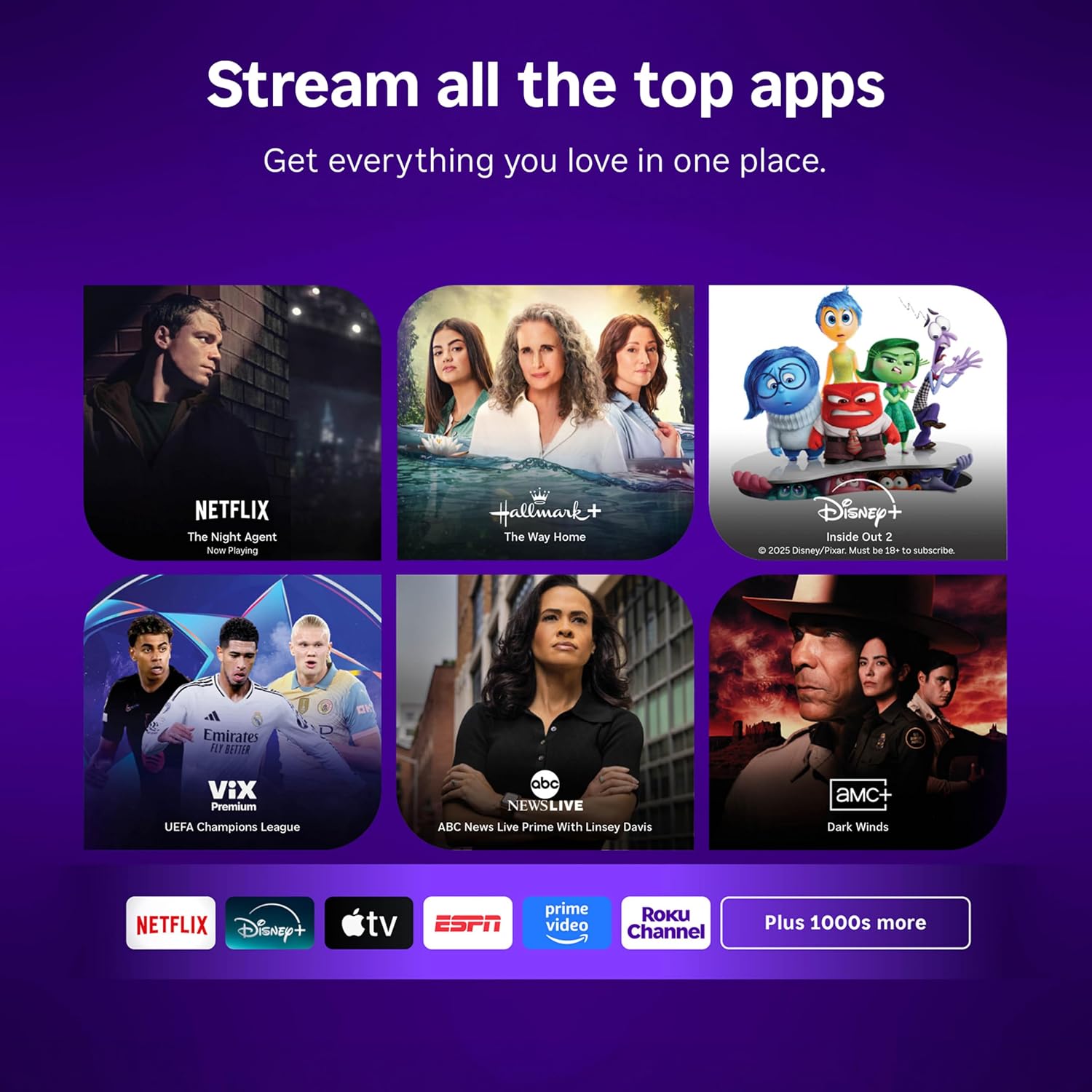
The Roku Streaming Stick HD with Voice Remote is a compact streaming player for televisions with an HDMI connection. It delivers 1080p streaming over Wi-Fi and supports services including Apple TV+, Disney+, Hulu, Netflix, and Prime Video. Roku also lists compatibility with Alexa, Apple AirPlay and HomeKit, Google Home, and Roku Smart Home.
Overview
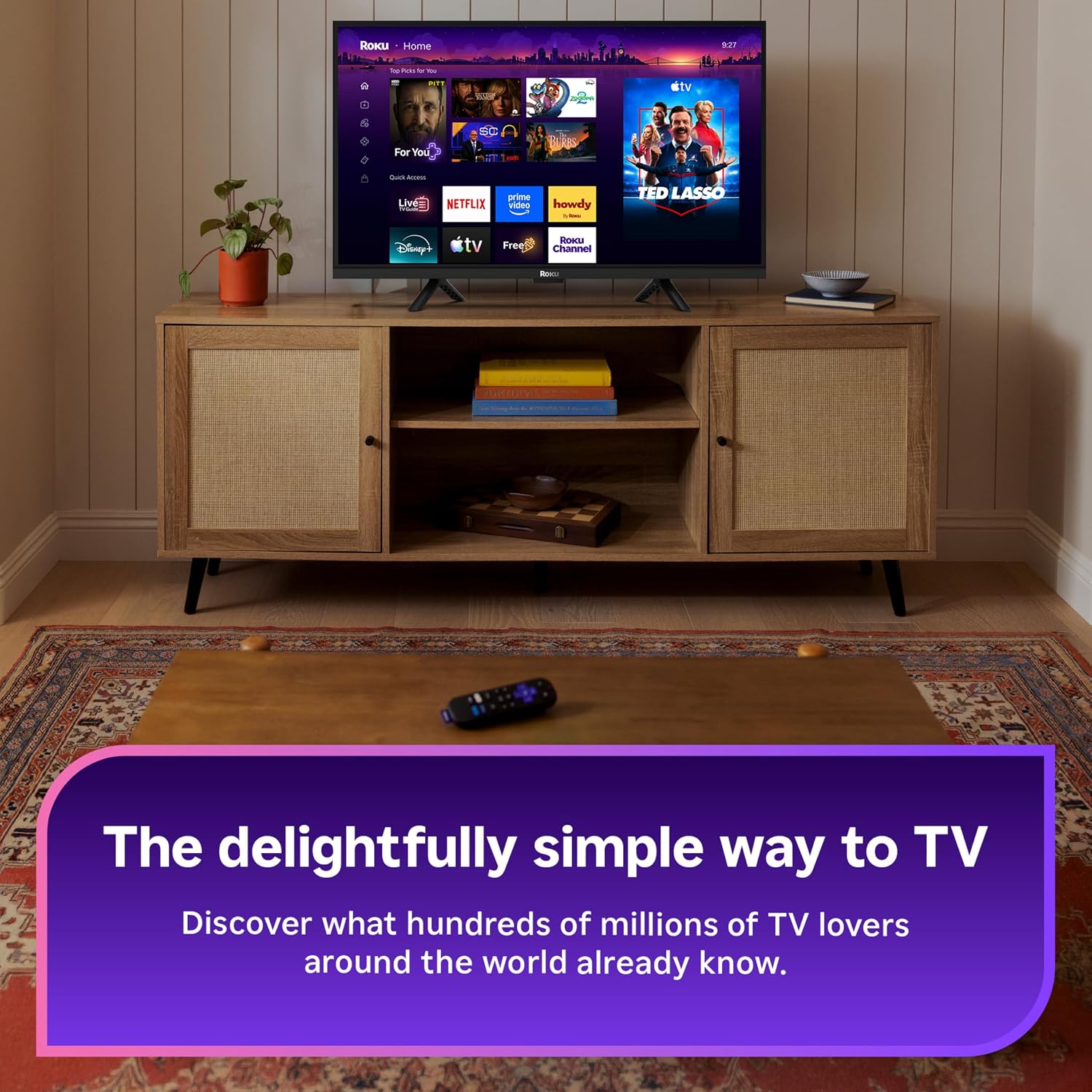
Designed to sit behind a television, the black TV-stick player measures 3.7 by 0.8 by 0.5 inches and weighs 60 g. Its HDMI connection and TV-powered design are intended to keep the installation out of sight without occupying neighboring HDMI ports.
Roku positions this model as an HD option, with 1920×1080 video output and support for H.264/AVC and AV1 video codecs. The platform includes access to popular streaming apps as well as more than 500 free HD TV channels with live news, weather, sports coverage, and other programming, according to Roku.
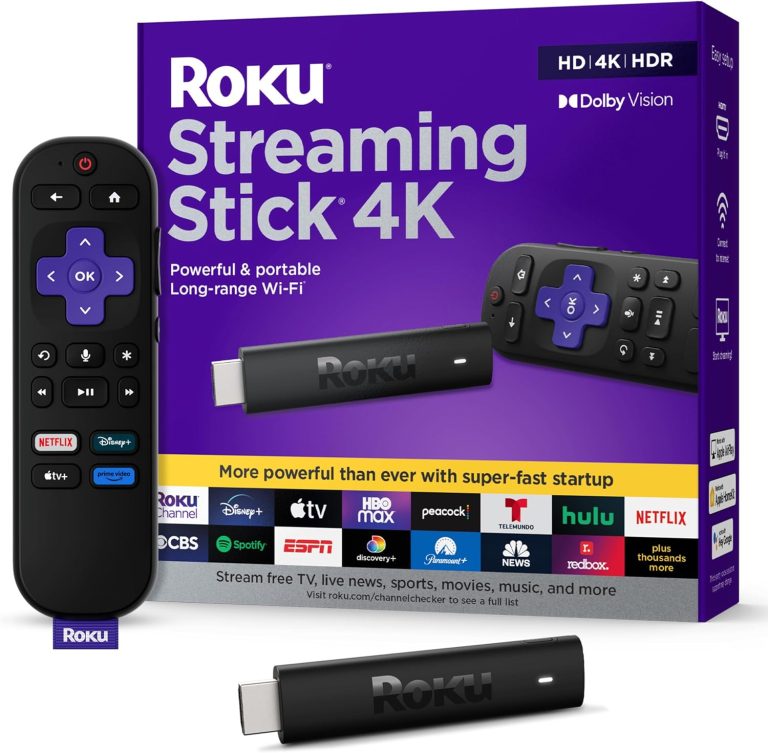
Related reading: Roku Streaming Stick 4k Dolby Vision.
Key Features
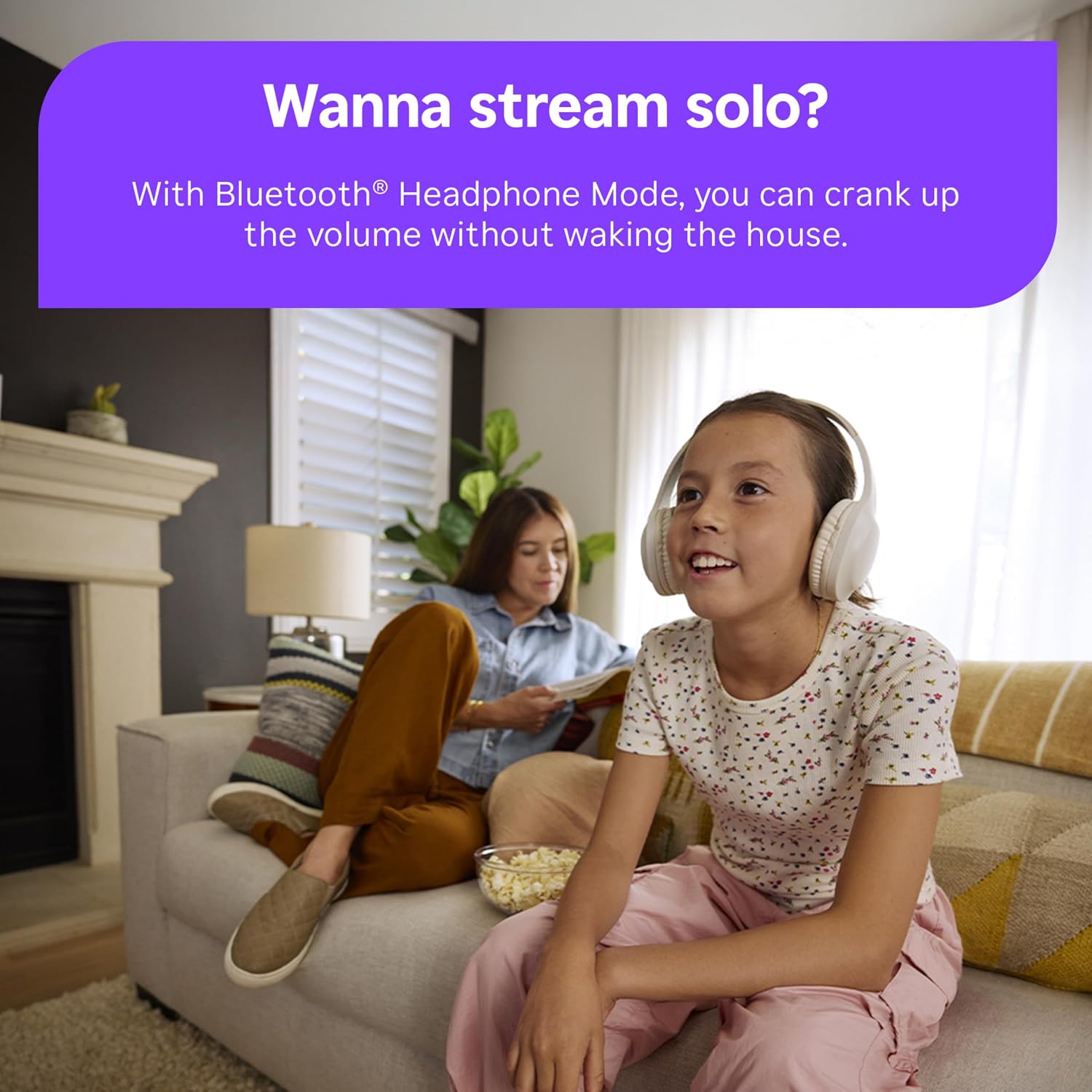
The included voice remote can control the Roku player, TV power, and volume, while voice control can be used to search for and play entertainment. Bluetooth Headphone Mode is also included for private listening.
Connectivity options include Wi-Fi and Bluetooth. The device is listed as compatible with televisions and supports integration with Alexa, Apple AirPlay and HomeKit, Google Home, and Roku Smart Home. Its portable format is also presented as useful for taking a familiar streaming setup when traveling.
Related reading: Roku Voice Remote Replacement.
Real-World Performance
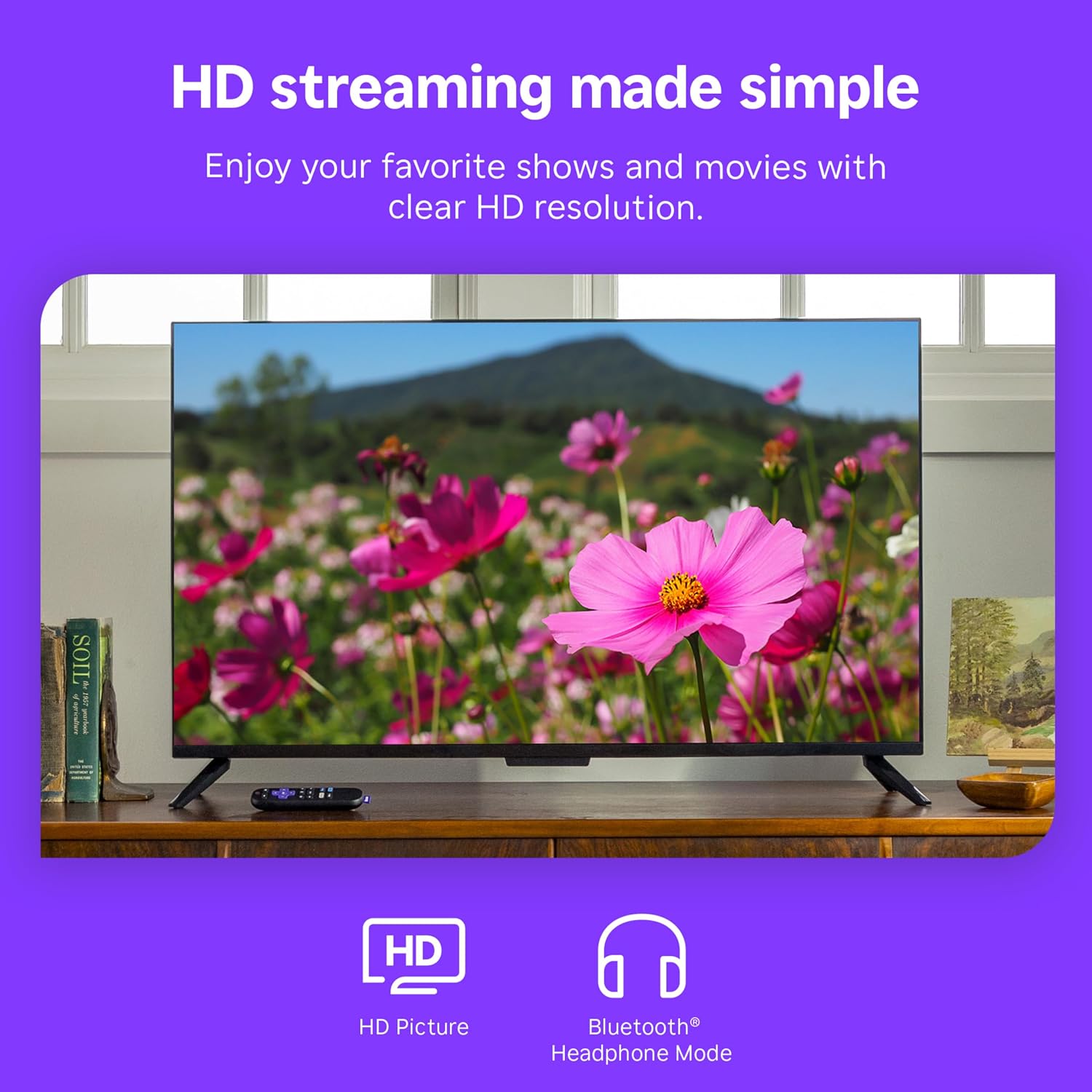
Customer feedback is generally positive about setup, compatibility, and HD streaming performance. Reviewers commonly report that the stick connects readily to televisions and Wi-Fi, and that streaming is smooth for 1080p viewing.
Feedback is mixed on reliability, connectivity, and the remote. Some customers describe responsive operation and an easy-to-use remote, while others report connection trouble, remote issues, lag, freezes, and occasional reboots. These reports suggest that experiences can vary by setup and use.
Related reading: Amazon Fire Tv Stick 4k Plus Ai Wifi6.
Ease of Use and Maintenance
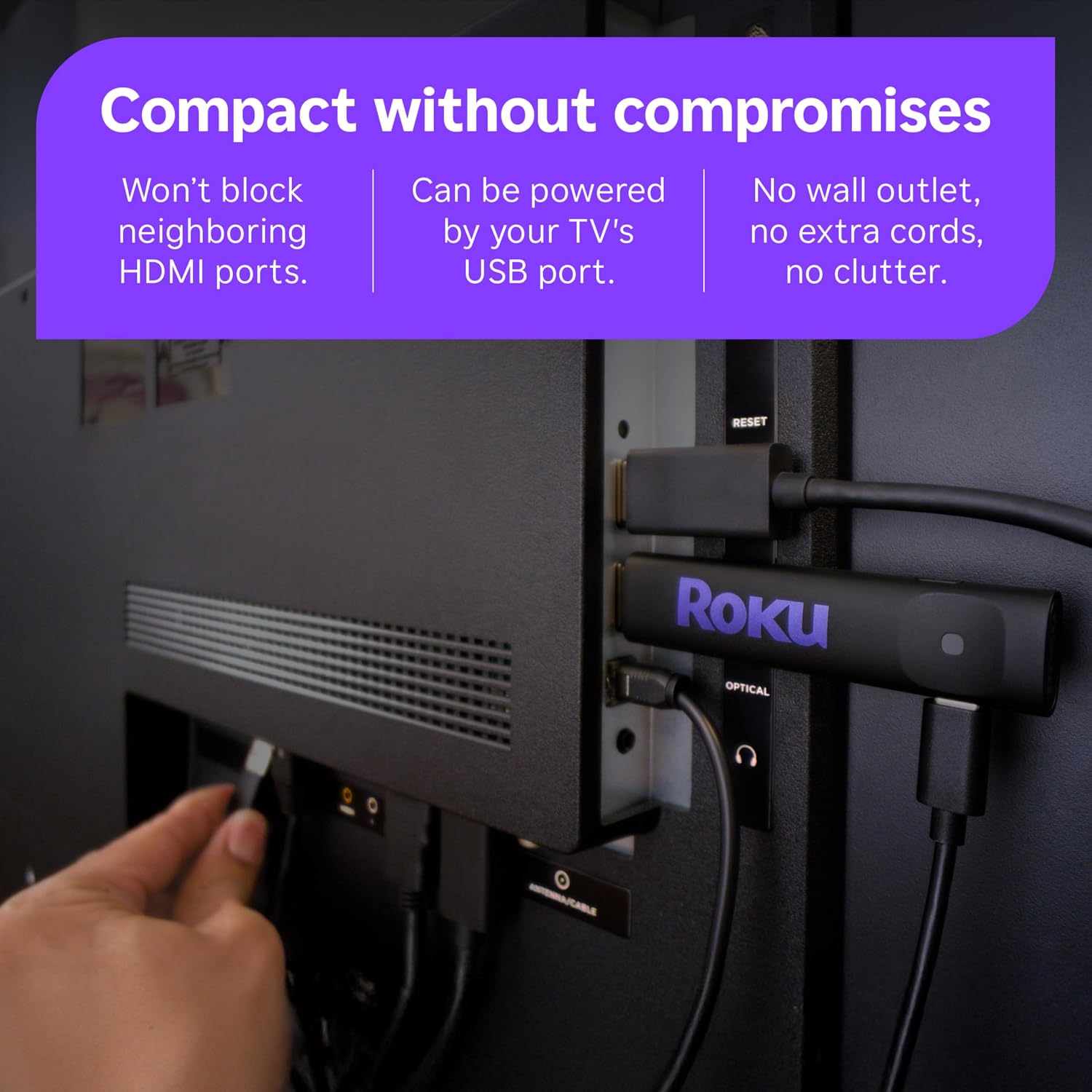
Roku describes setup as taking minutes, with an on-screen process, a simple Home Screen, and a remote intended to consolidate key TV and streaming controls. Powering directly from a compatible television can also reduce the number of cables involved.
No specific routine maintenance requirements are provided in the supplied information. Users who encounter connection, remote, or stability concerns may need to consult Roku’s setup and troubleshooting guidance.
Pros and Trade-Offs
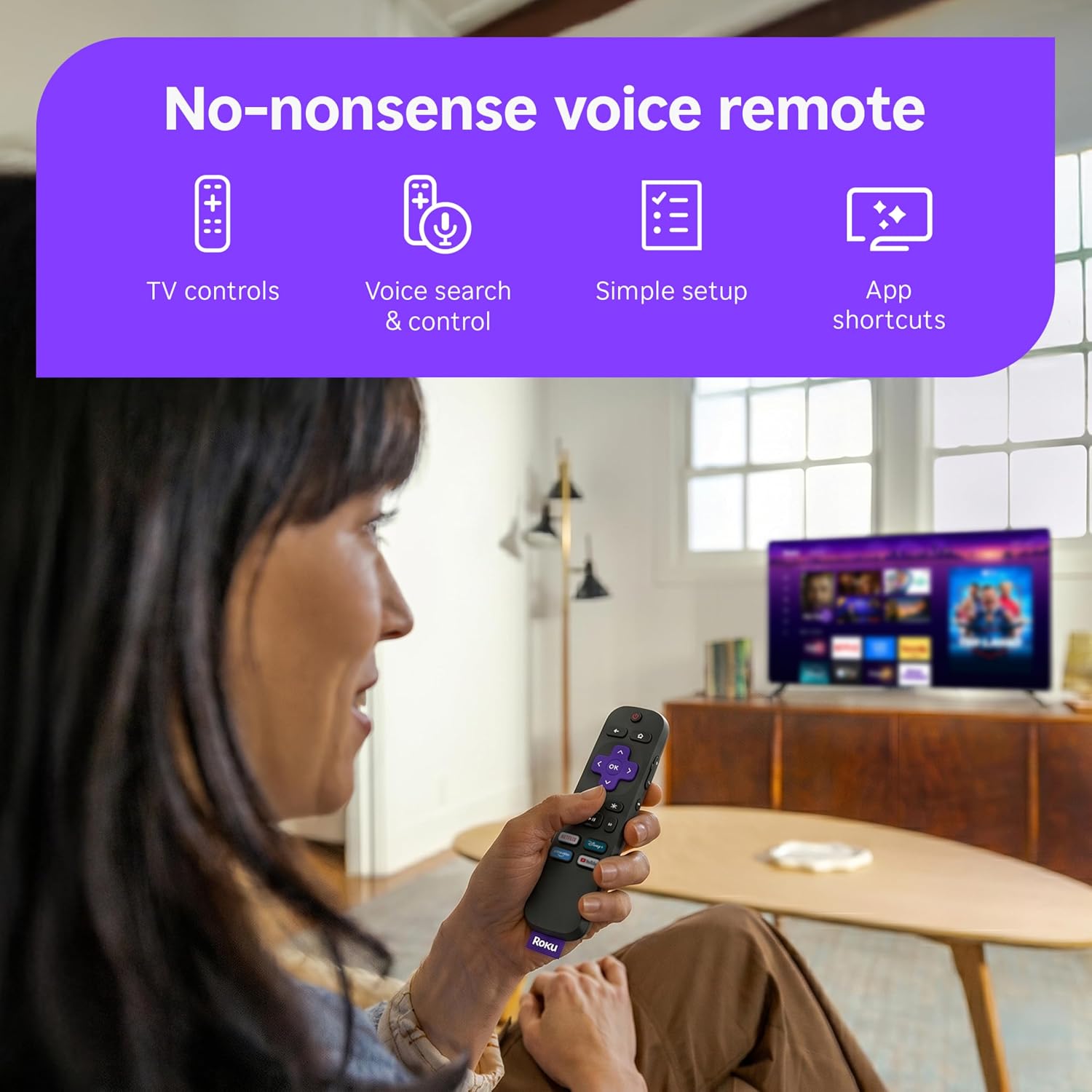
Pros include the compact HDMI-stick format, 1080p output, TV-powered operation, voice-enabled remote, Bluetooth Headphone Mode, and broad smart-home compatibility. The platform also provides access to a range of streaming services and Roku’s free TV channel selection.
The principal trade-off is that this is an HD model rather than a 4K streaming option. In addition, customer reports are divided on long-term stability, Wi-Fi connectivity, and remote reliability, despite many positive accounts of installation and everyday use.
Who This Product Is For
This streaming stick is suited to people with an HDMI-equipped television who want Roku’s 1080p streaming platform in a small, discreet form factor. It may also fit those who want TV power and volume controls, voice search, private Bluetooth listening, or compatibility with supported smart-home ecosystems.
It is less directly aligned with viewers specifically seeking 4K output. Prospective users who prioritize consistently trouble-free remote operation or connectivity should weigh the mixed customer feedback in those areas.