Roku Streaming Stick 4K — HDR & Dolby Vision, Voice Remote
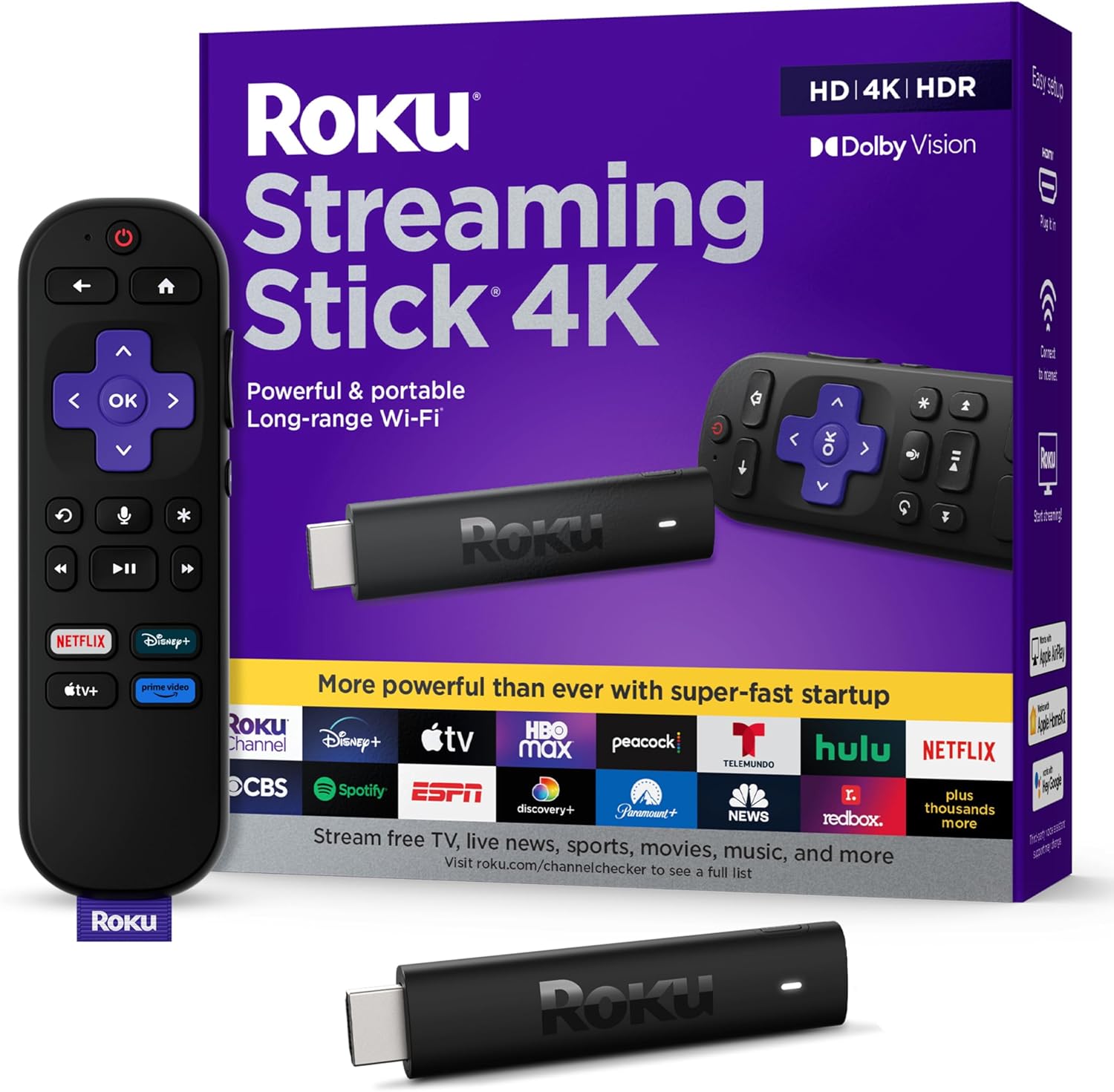
The Roku Streaming Stick 4K is a compact HDMI stick that brings modern streaming features, HDR and Dolby Vision playback, and voice control to compatible TVs. It aims for simple setup, extended Wi‑Fi range, and a unified interface for free and subscription channels. This review covers setup, picture and sound handling, remote usability, connectivity, and everyday performance to summarize strengths and trade-offs.
Overview
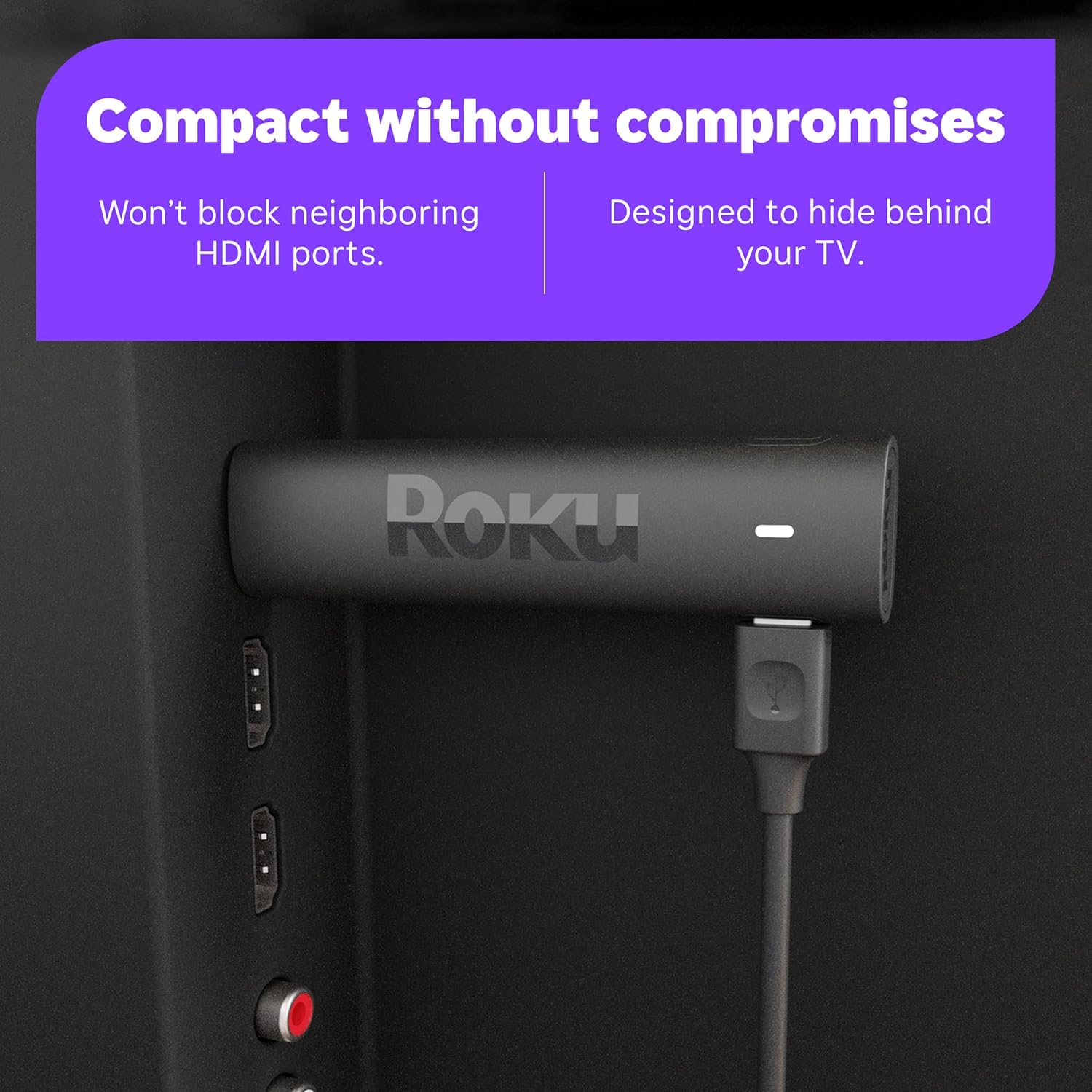
This compact HDMI plug-in adds a modern streaming interface to a television, giving access to apps, channel guides, and live programming without relying on a built-in smart platform. It’s designed to tuck behind a set while it handles the software side of watching shows and movies, keeping the installation tidy and portable.
Navigation is handled through a voice-capable remote for hands-free search and quick control, and the unit relies on longer-range wireless connectivity to maintain streams across a typical home layout. Advanced HDR formats are supported for improved contrast and color, though exact capabilities and included accessories can vary by model and version.
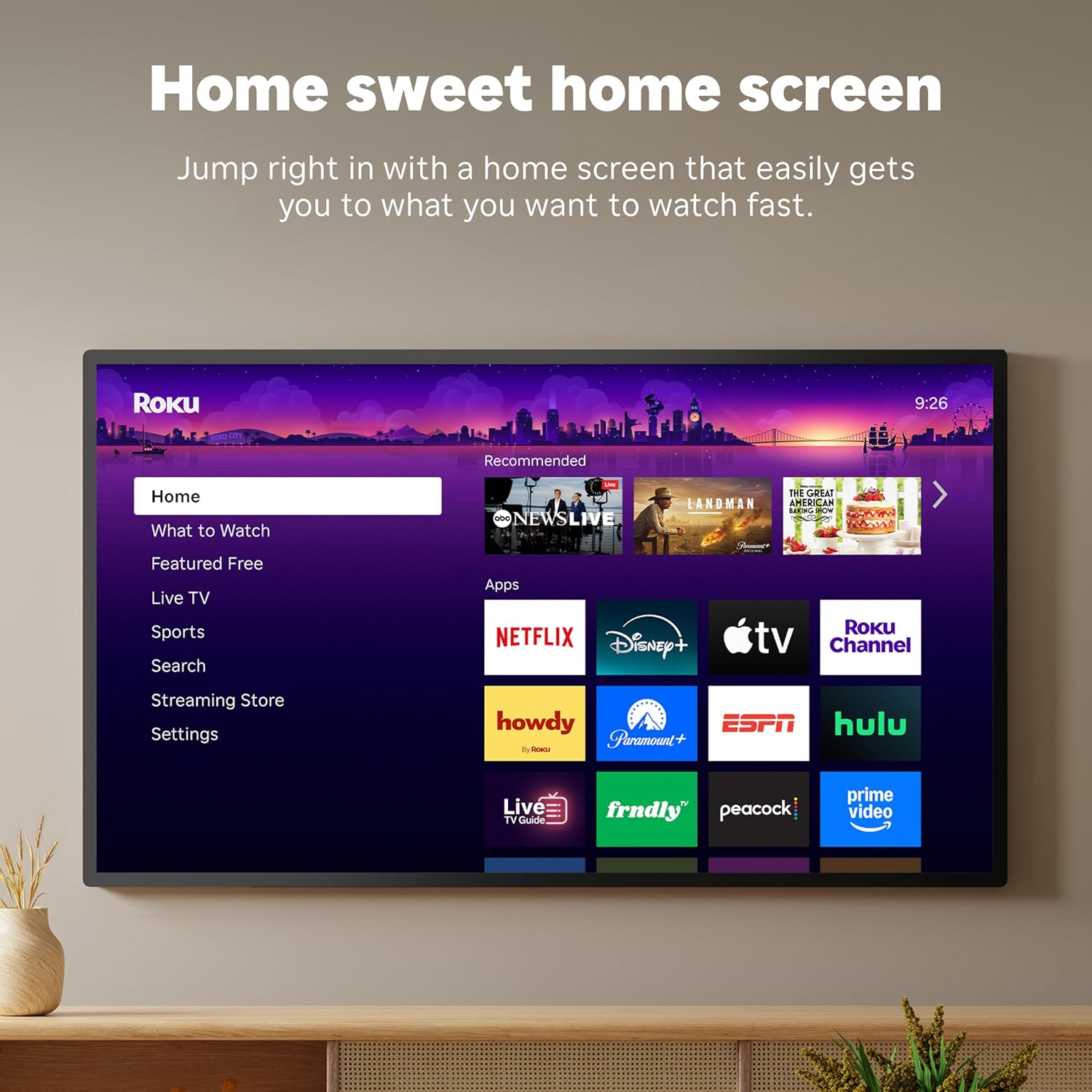
The Roku stick consolidates services and live channels into a single interface, simplifying the common frustration of juggling multiple inputs and apps. Setup and daily use are intended to be straightforward, so most users can get streaming without technical fuss.
It’s a practical choice for someone upgrading an older set, simplifying streaming in a rental, or adding voice control and broader free/live channel access. For comparisons with other Roku models, see our Roku Streaming Stick HD review to understand differences between stick-style options.
Key Features
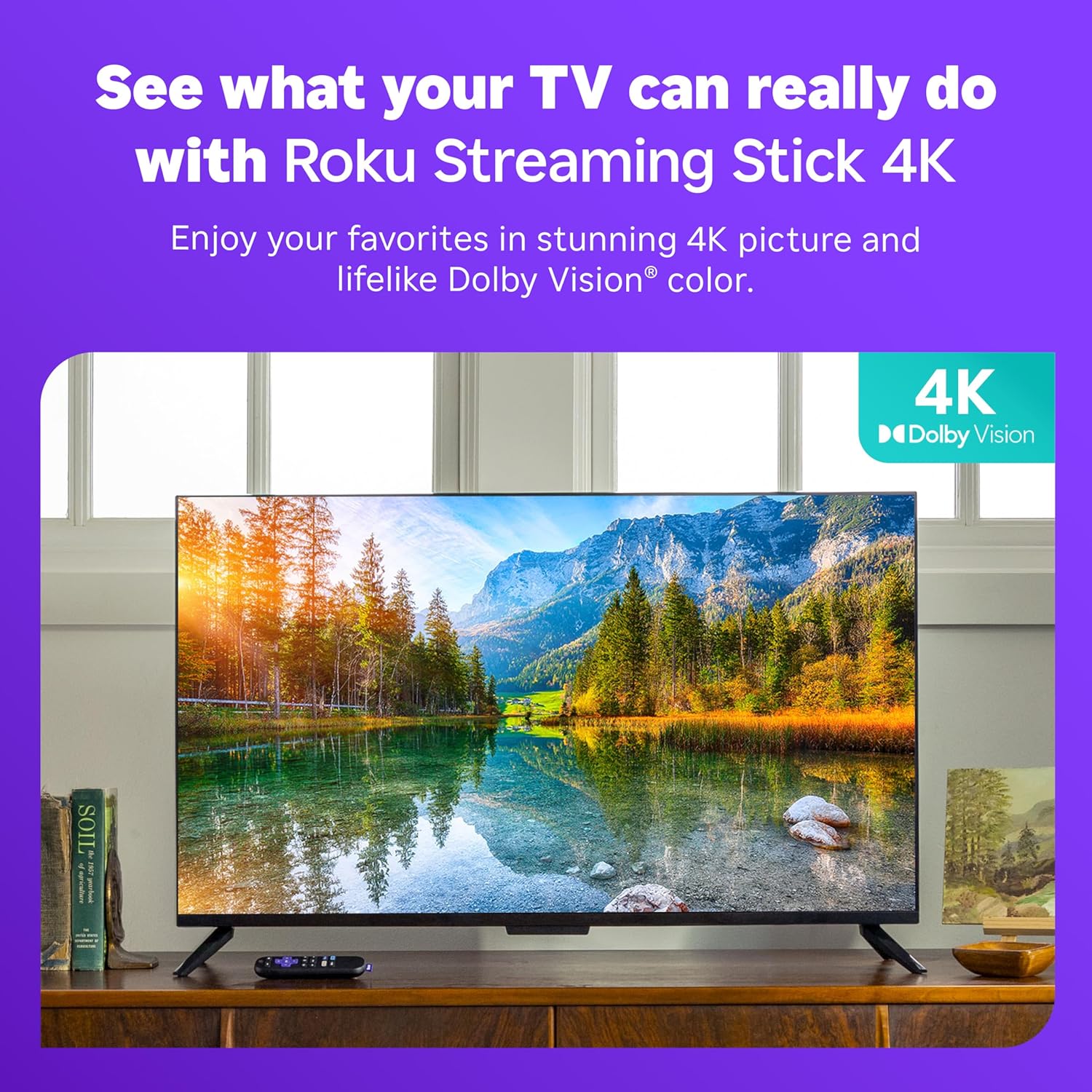
High-dynamic-range picture formats and 4K-capable playback enhance color depth and contrast on compatible televisions, delivering more detail in bright highlights and darker scenes. That improvement is most noticeable with HDR-enabled content and a display that supports those formats.
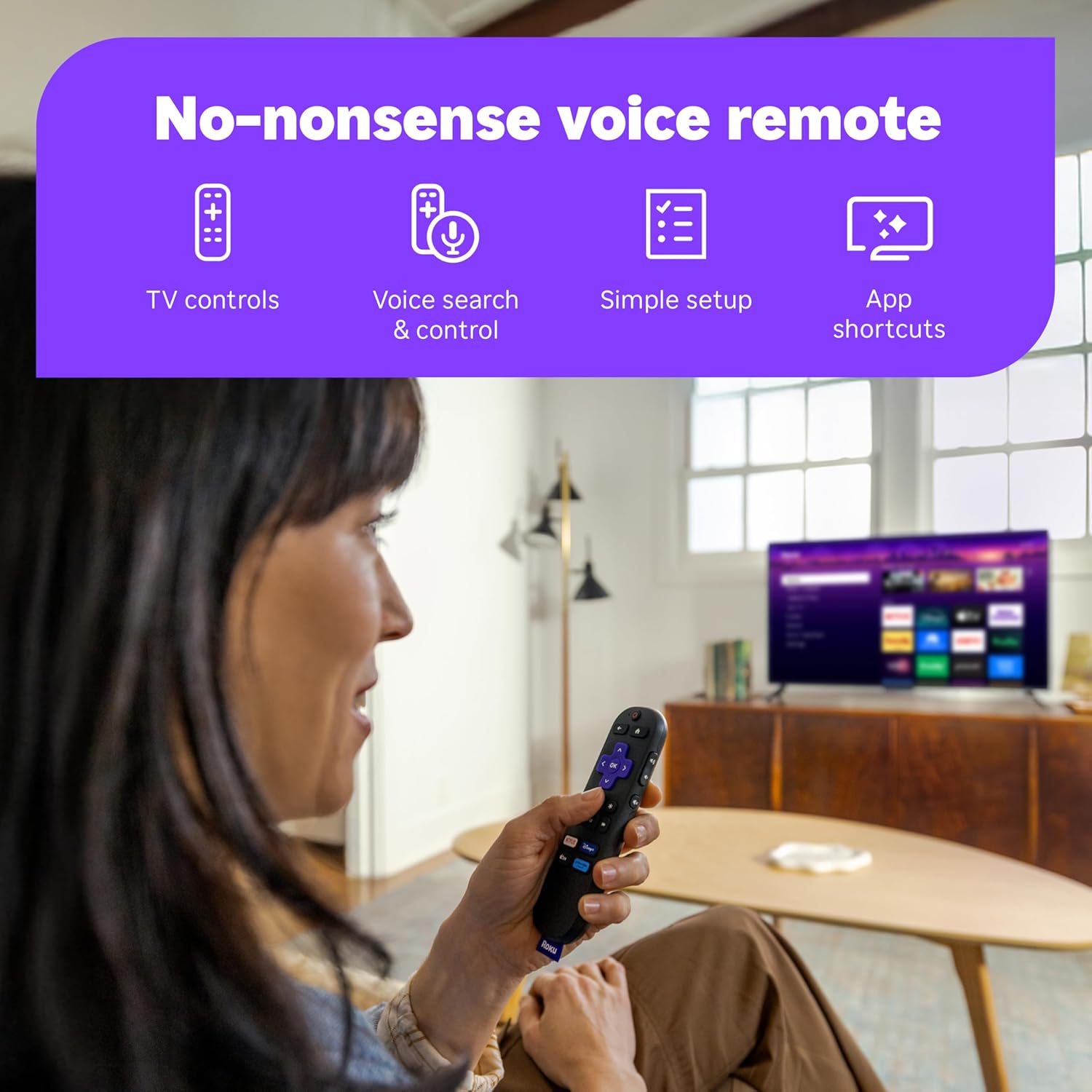
A voice-enabled remote simplifies finding shows, launching apps, and controlling basic TV functions without navigating multiple menus, speeding up discovery and everyday use. Voice functionality and button shortcuts make browsing quicker than relying solely on on-screen navigation.
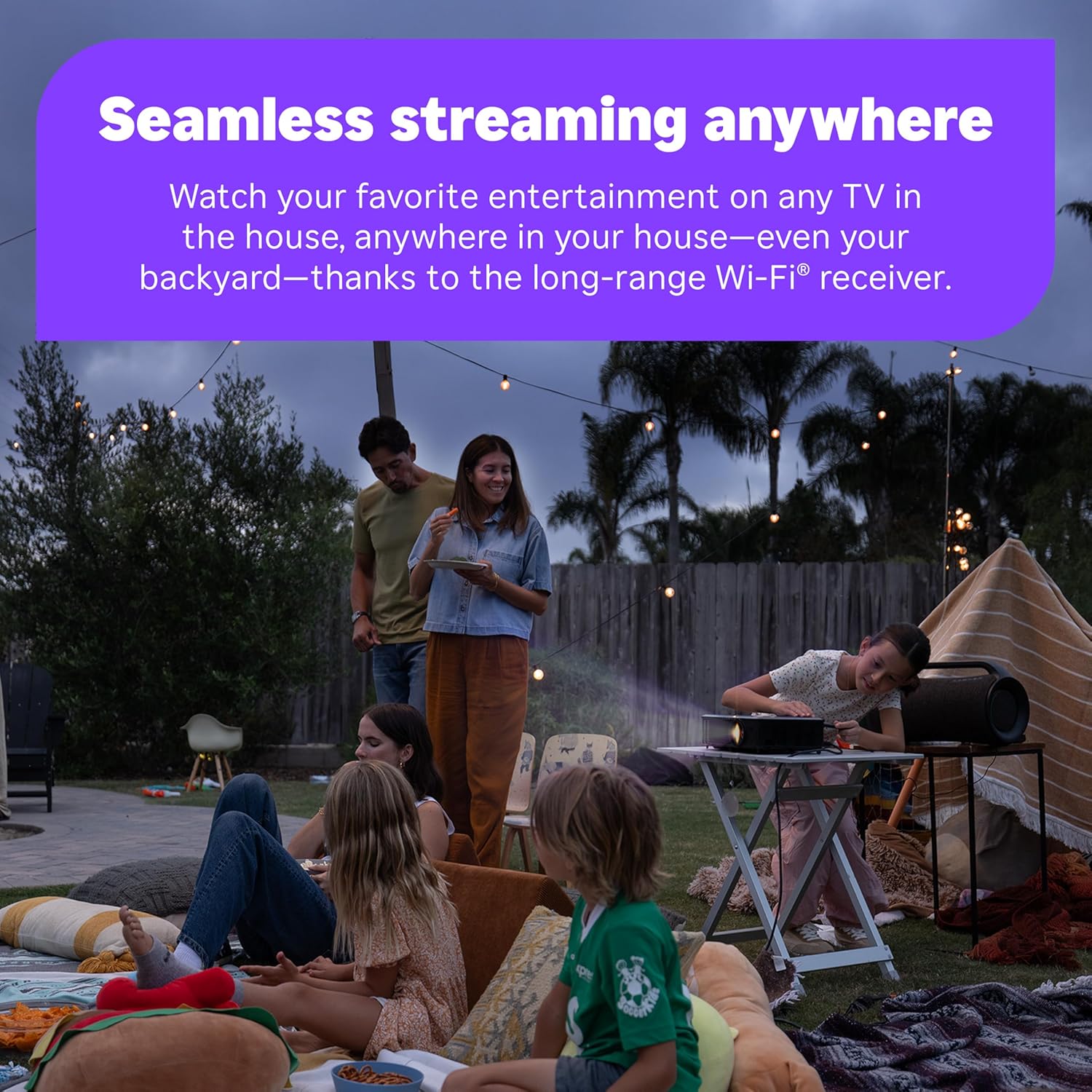
Long-range wireless connectivity aims to keep streams steady even when the router is in another part of the home, though real-world performance depends on the specific model/version, home layout, and internet service. Stable Wi‑Fi reduces buffering and helps maintain higher-quality streams when conditions allow.
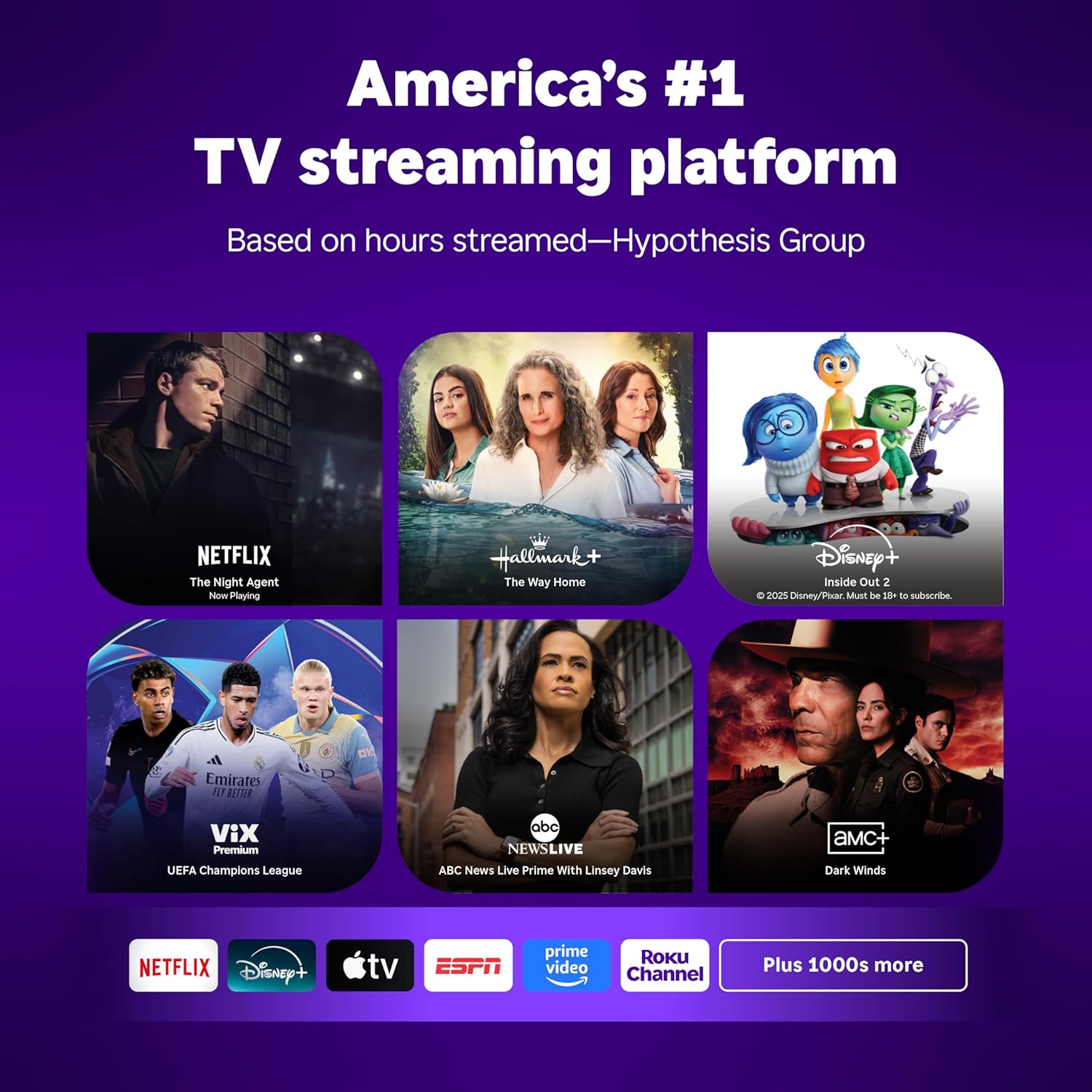
Built-in access to free, ad-supported channels and live TV aggregation makes it easy to browse without a subscription, and the platform supports a broad selection of apps so users can add the services they prefer. The overall experience is focused on straightforward content discovery and flexible viewing options.
Real-World Performance
In day-to-day viewing the stick reliably plays high-resolution HDR and Dolby Vision content when the streaming service and TV support those formats, though final image quality is governed by the source bitrate and the television’s own processing. Streaming is generally smooth for movies and shows, but the visual result can vary with the app and the program’s delivery.
The user interface and app loading feel responsive for most tasks; channel switching and searching are quick under normal network conditions. Interruptions like buffering or brief stutters appear when internet connectivity drops or the local Wi‑Fi is congested, so consistent home network performance noticeably affects playback.
Voice control speeds up finding programs and controlling playback, and recognition handles common requests well, but not every app or piece of content is searchable by voice. The long-range wireless helps reception across larger rooms, though actual coverage depends on router placement and household layout, and advanced connectivity options vary by model/version.
System updates have tightened stability over time, but the platform does surface promoted content on the home screen and app updates can change behavior. For regular streaming viewers it offers a solid, low-friction experience; users wanting deep customization, advanced networking features, or the lowest possible input lag for gaming should be aware of those trade-offs.
Ease of Use and Maintenance
Getting started is straightforward: plug the streaming stick into an HDMI port, provide power via USB or an adapter, and follow the on-screen setup to connect to your Wi‑Fi network and sign into streaming accounts. Pairing the remote and enabling voice features is handled during initial setup, though exact steps can vary by model/version.
Routine cleaning and physical upkeep are minimal—unplug before wiping with a soft, dry cloth and avoid liquids. Keep the unit and remote clear of heavy dust, provide ventilation around the TV area, and consider using an HDMI extender if the stick runs hot or sits cramped behind the set.
Software maintenance mostly happens automatically, but it’s wise to check system settings for updates and reboot the player if apps become sluggish. If you need a spare controller or replacement parts, check our guide to a Roku replacement remote for options and compatibility.
Pros and Trade-Offs
The streamer shines with improved color and contrast when HDR and Dolby Vision content is available, and the platform feels responsive for everyday navigation and playback. Voice search reduces time spent hunting through menus, and the extended wireless performance helps keep streams stable across different rooms.
Setup is generally quick and the compact design stays out of sight behind a TV, making it easy to move between sets or take on trips. Regular software updates add convenience and new features over time, and the remote control makes basic tasks simple.
On the downside, the platform surfaces promoted content and some apps require separate subscriptions, which can be frustrating when searching for truly free options. Advanced users may miss features found on larger players—storage, deep settings, or a built‑in wired network port—so consider your priorities before buying.
Who This Product Is For
If you want a simple way to add higher-quality HDR picture and modern streaming features to a TV without replacing the set, this is geared toward you. It’s well suited for users who value plug-and-play convenience, straightforward voice control, and easy access to both free live channels and subscription services.
This will also appeal to households where Wi‑Fi reach matters or where you move a streamer between rooms or TVs. For those considering different Roku devices, you may also want to compare the stick to the Roku Express 4K review to see which form factor and feature set match your needs.
Skip this if you need an all-in-one smart TV platform, require wired-only connectivity, or depend on highly specialized streaming apps not available on common players. Buyers who want built-in universal remotes or niche gaming features should look at other hardware choices tailored to those priorities.
As an Amazon Associate, I earn commission on qualified purchases.