Roku Voice Remote Replacement — Voice Control & Shortcuts
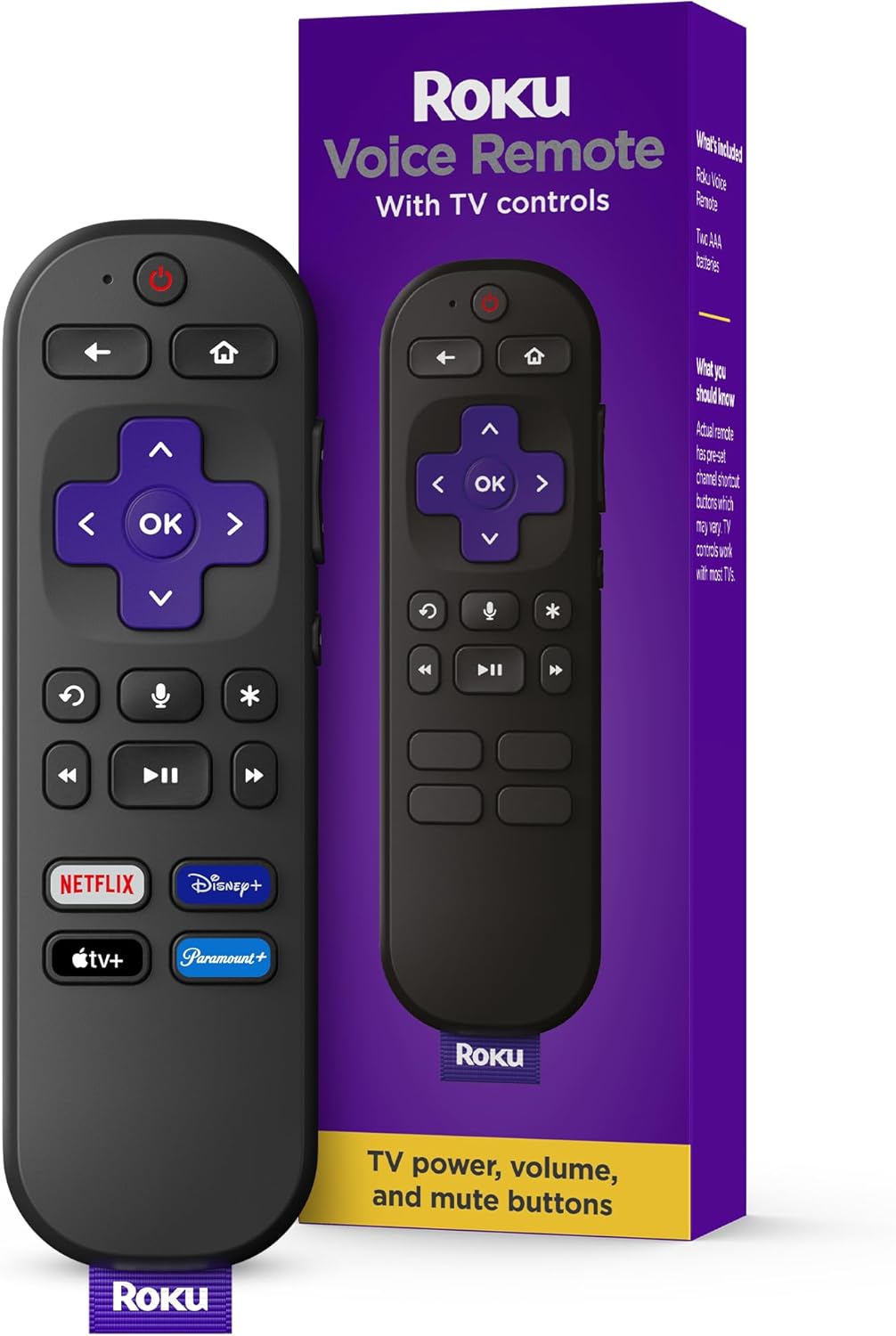
This Roku replacement remote aims to be a straightforward swap for a lost or worn controller, combining physical playback keys, basic TV control, and voice search. Its strengths are simple setup, one-press app shortcuts, and dependable day-to-day navigation; compatibility and some voice features vary by device and firmware.
Overview
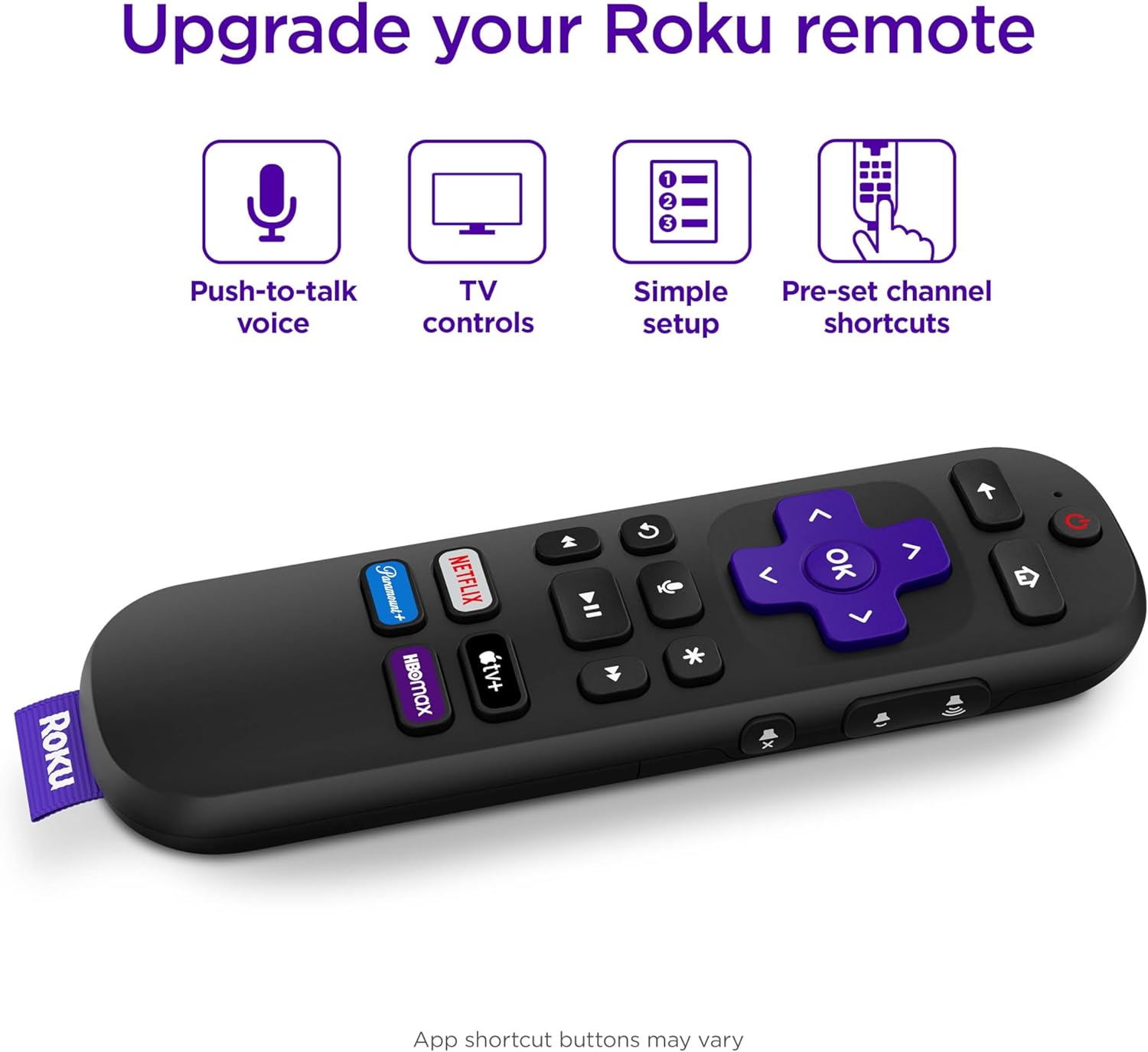
This replacement remote is designed for the Roku ecosystem and combines navigation buttons, voice search, and app shortcuts so you can control streaming playback and basic TV functions without switching devices. It’s meant for users who need a quick plug-and-play swap for a lost remote or who want voice-driven search to avoid typing with the on-screen keyboard.
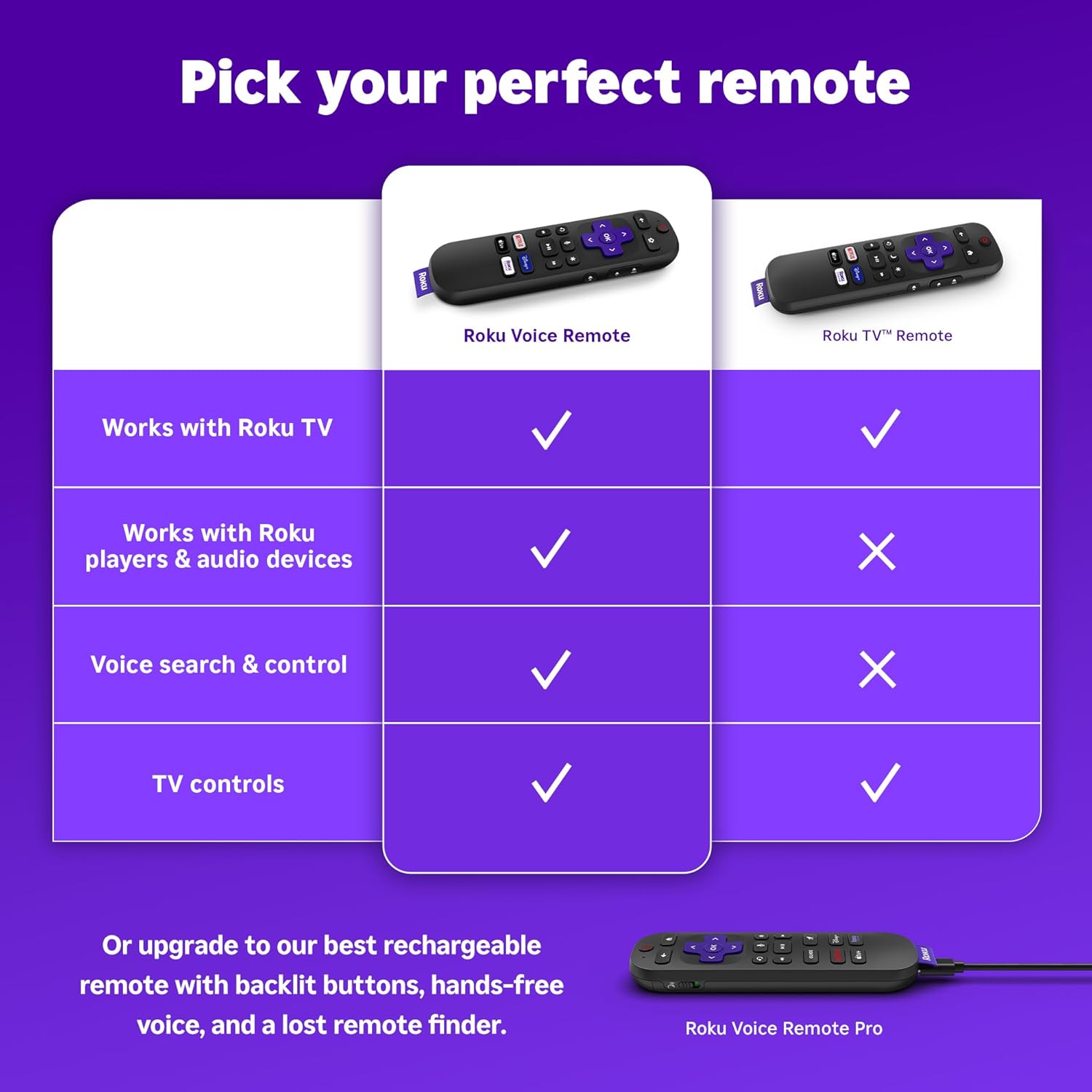
Compatibility differs by model and firmware, so check that the remote supports your specific Roku TV, player, or audio device before buying. If you want a broader comparison to other replacement options, see our replacement remote guide for more context.
Key Features
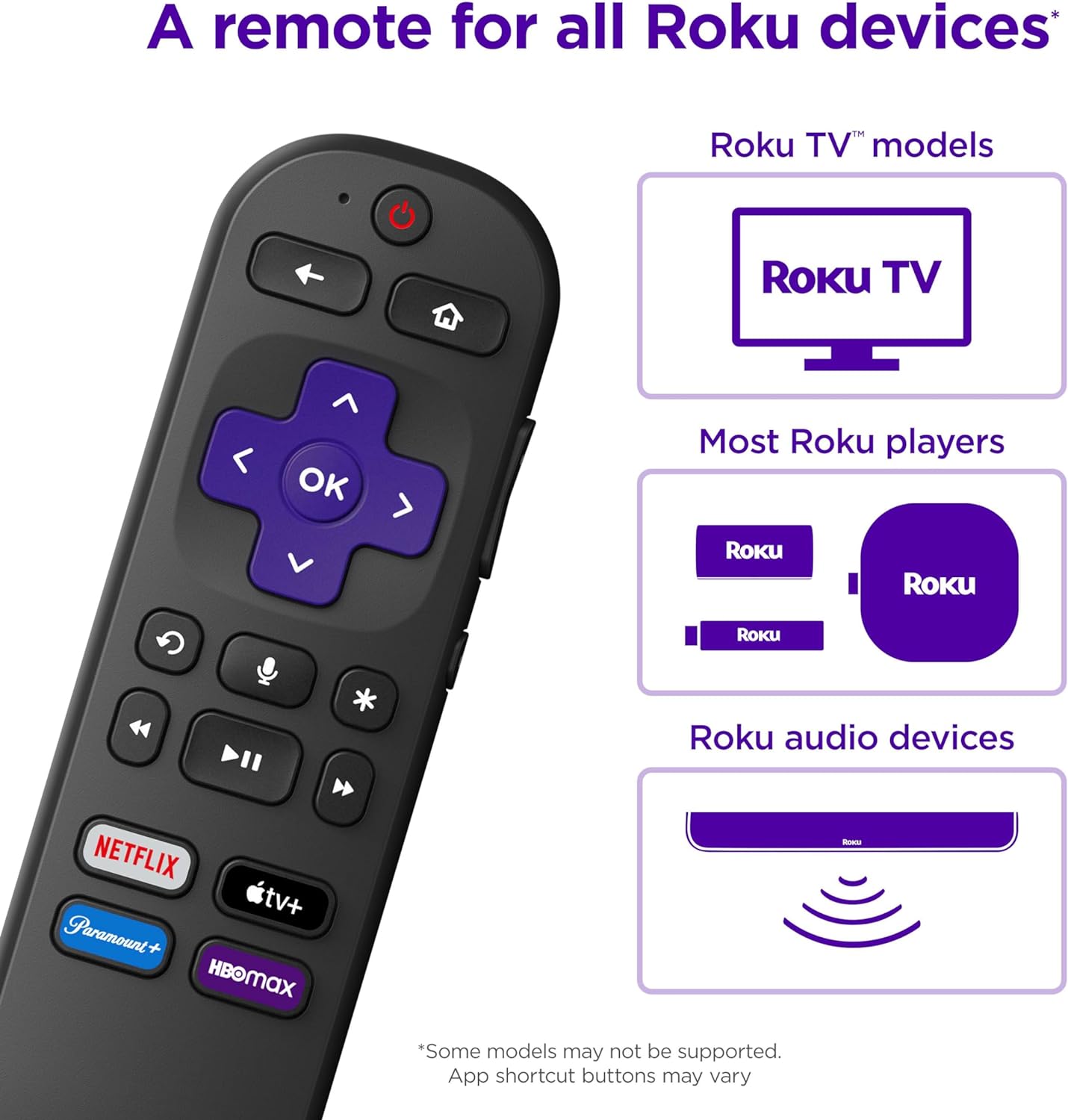
The standout is built-in voice recognition for hands-free searching and basic commands, which speeds up finding shows and controlling playback. Dedicated app shortcut buttons provide one-press access to popular services, reducing menu navigation and making the remote guest-friendly.
It includes familiar navigation and playback keys plus basic TV controls like power and volume on many models, letting it replace both the streaming player remote and some TV remotes in typical living-room setups. For a look at a full streaming bundle, check the Roku Streaming Stick 4K review to see how a streaming player and its remote can work together.
Real-World Performance
In daily use the remote is responsive for scrolling, playback, and launching apps; voice speeds up searches but can be less accurate in noisy rooms or with strong accents. Button placement and tactile feedback make one-handed operation straightforward, and Bluetooth/IR range is generally sufficient for a typical living room.
Expect limitations: shortcut keys are usually not highly customizable, voice won’t always control third‑party or smart‑home devices, and some behavior depends on the host device’s firmware. If you want practical tips on using Roku hardware broadly, our Roku Express 4K review covers related real-world considerations.
Ease of Use and Maintenance
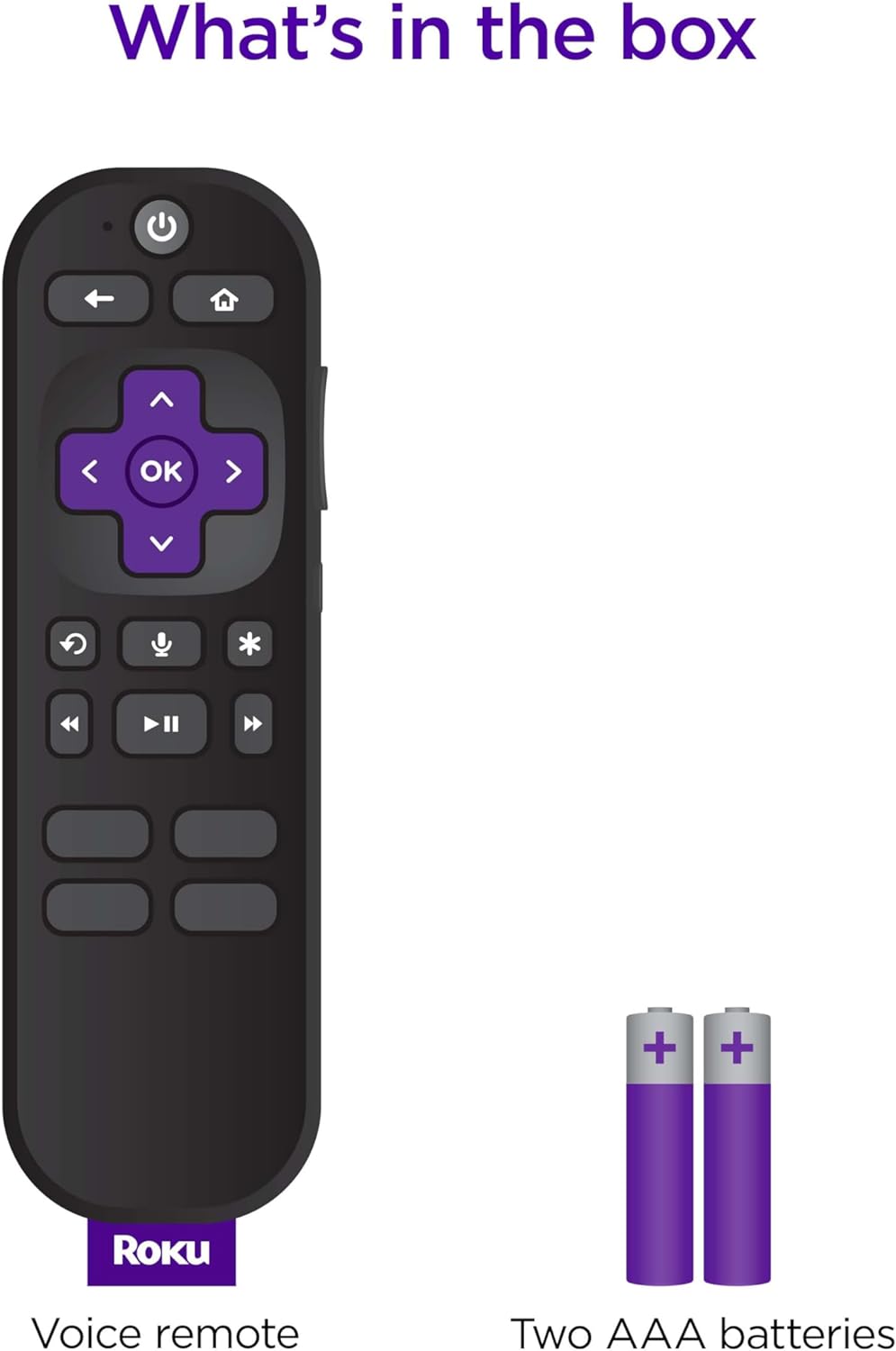
Setup is typically simple—pairing is done through on-screen prompts or an automatic pairing mode and initial permissions for voice are enabled in the device settings. The included quick-start guide plus on-screen instructions generally get things running in a few minutes.
Cleaning and maintenance are basic: wipe with a slightly damp microfiber cloth, avoid sprays or abrasive cleaners, and change replaceable batteries when responsiveness drops. If connectivity issues arise, try fresh batteries and a quick re-pair before seeking technical support.
Pros and Trade-Offs
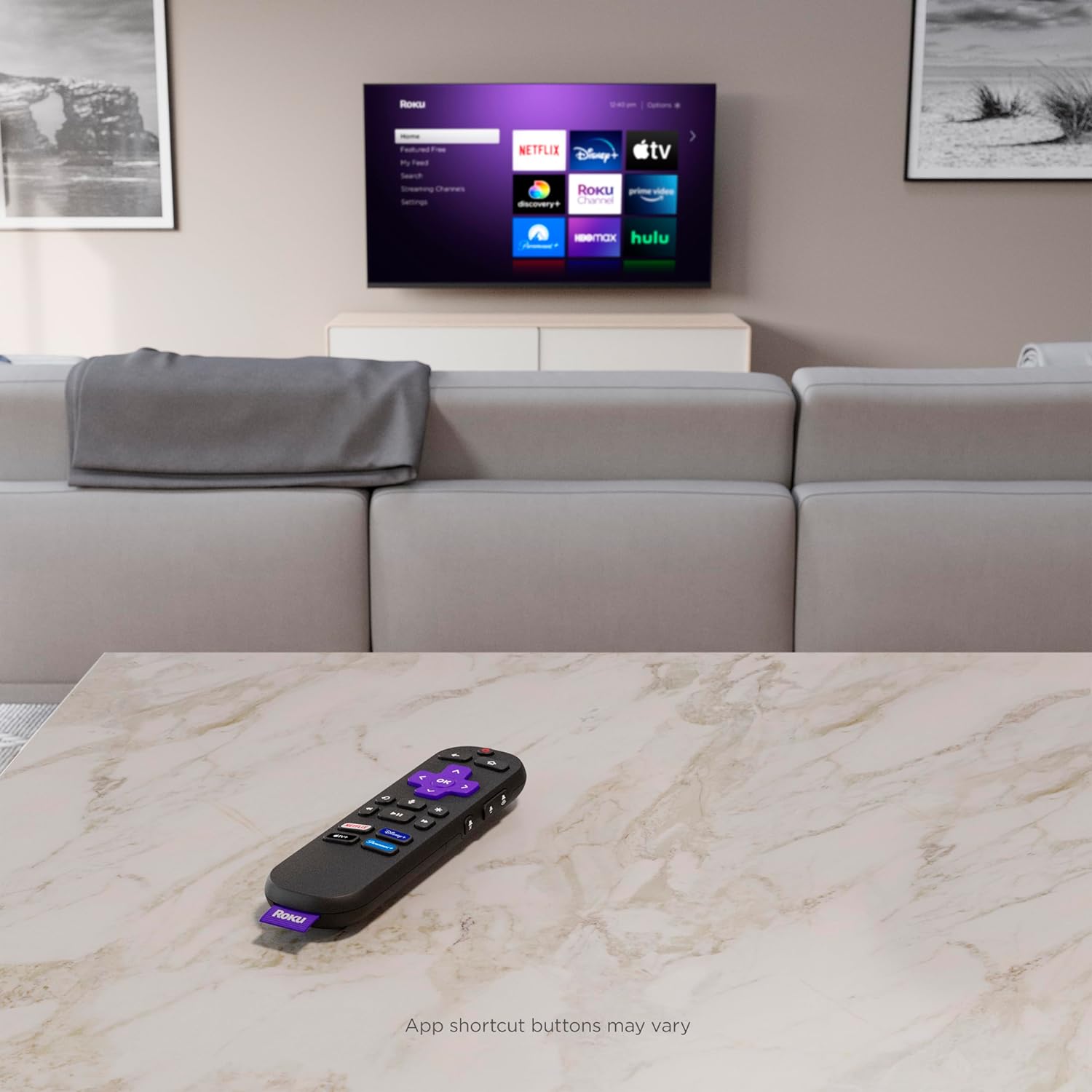
Pros include voice search for hands-free control, easy pairing, and one-touch app shortcuts that speed access to frequently used services. The layout and ergonomics match expectations for a streaming remote, making everyday navigation uncomplicated for most users.
Trade-offs are that voice accuracy and feature availability depend on the host device and room conditions, shortcuts are often fixed, and advanced or programmable controls are limited. If you need a remote with deep programmability or advanced AV control, look for alternatives that emphasize universal-device coverage and macro functions.
Who This Product Is For
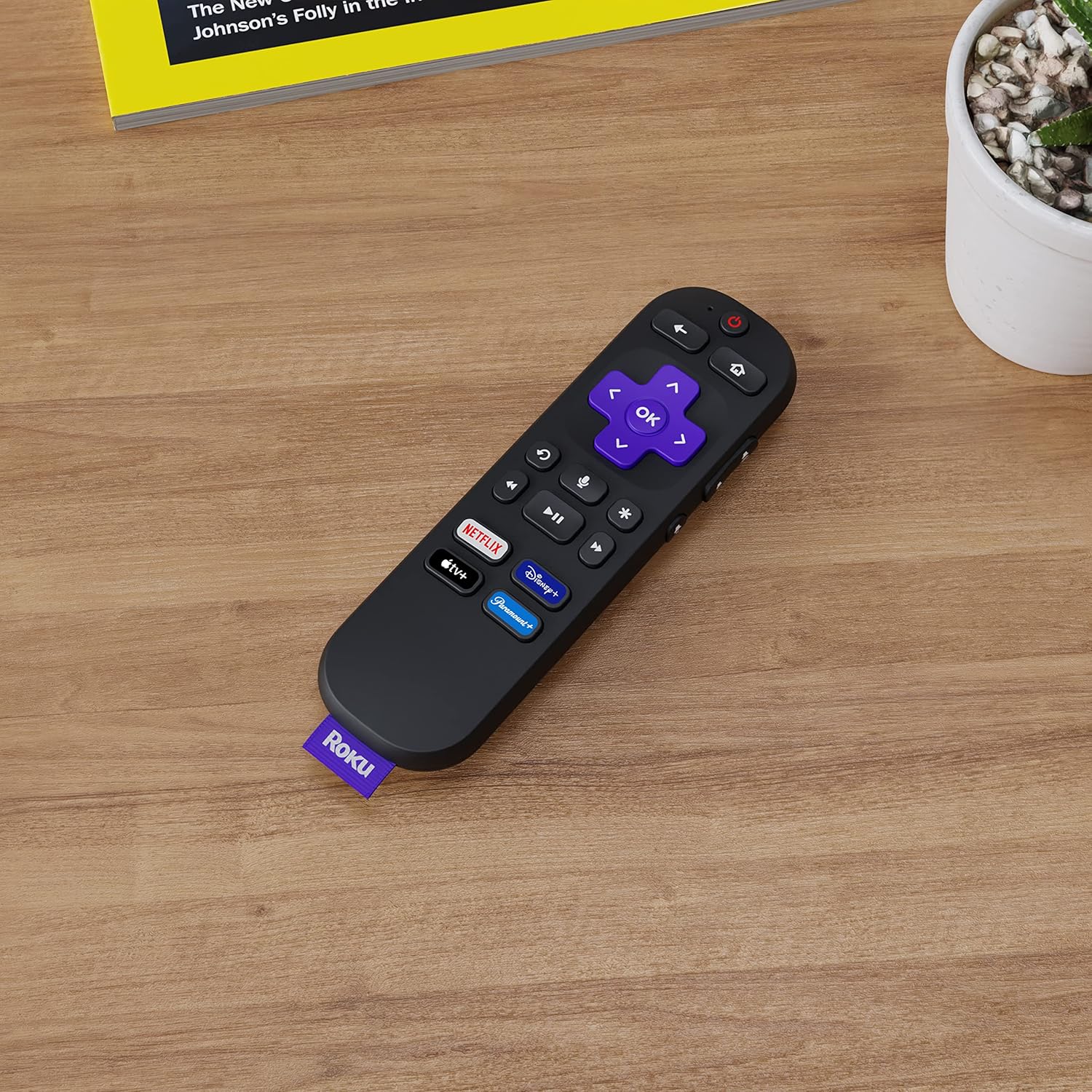
This remote is well suited to someone who already uses Roku devices and wants a simple, familiar replacement with voice search and preset app buttons. It’s also a good match for households that prioritize ease of use—seniors, kids, or guests who prefer speaking commands or tapping a shortcut.
Avoid this if you need a single remote to manage a complex home theater with programmable macros or wide third‑party device control. For comparisons with other Roku devices and their remotes, see our Roku Streaming Stick HD guide and the Roku replacement remote control review to determine which setup best fits your needs.
As an Amazon Associate, I earn commission on qualified purchases.