Philips 24 Inch Frameless Full HD Monitor, 100Hz VESA
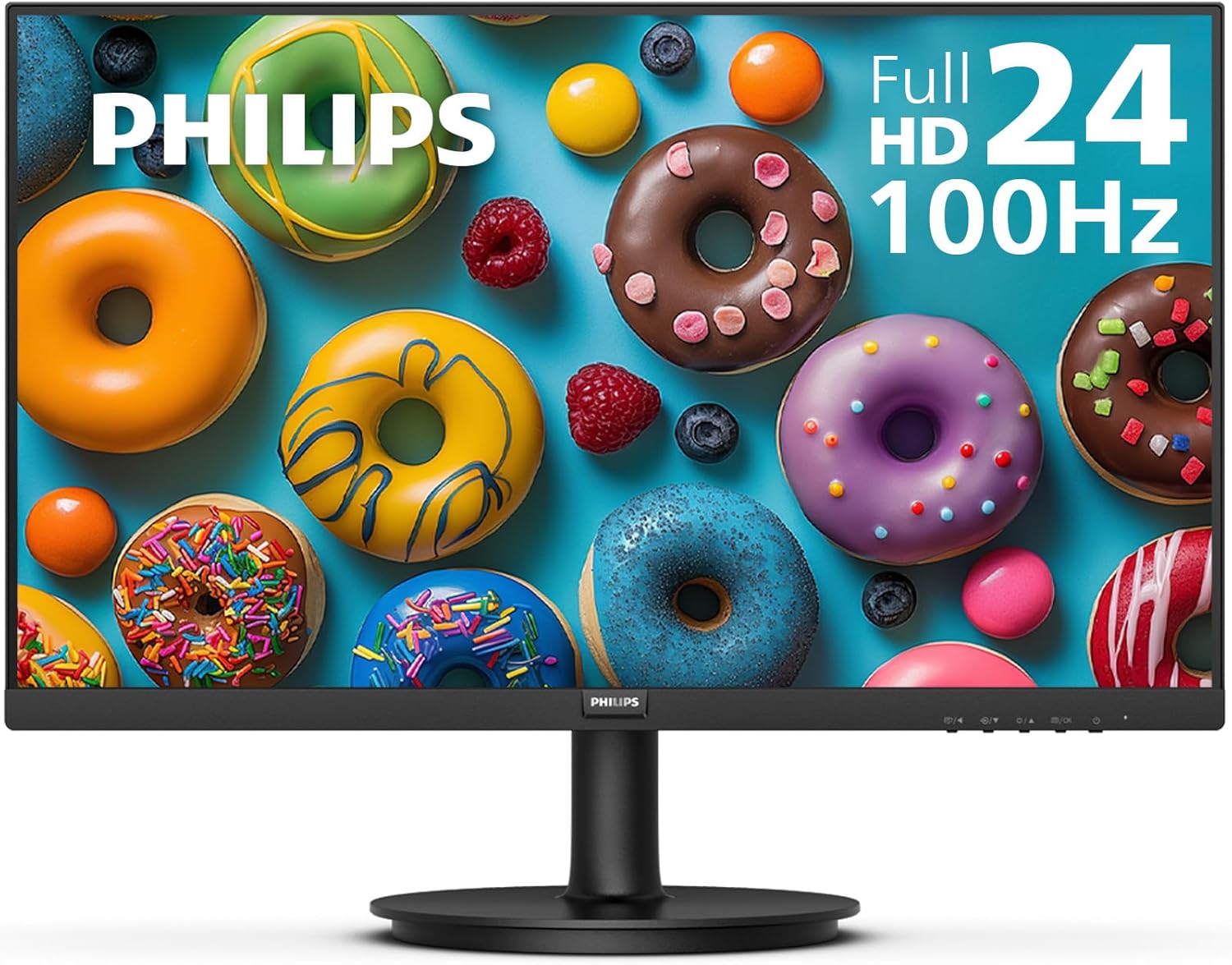
The Philips 24-inch Frameless Full HD monitor pairs a near-borderless VA panel with a 100Hz refresh rate and Adaptive‑Sync to deliver smoother motion for everyday productivity and casual gaming. Built‑in eye‑care features like LowBlue Mode and flicker‑free technology aim to reduce fatigue, while HDMI, VGA and VESA support make it easy to integrate into a variety of workstations. Philips includes a 4‑year advance replacement warranty and the model has received generally positive user feedback.
Overview
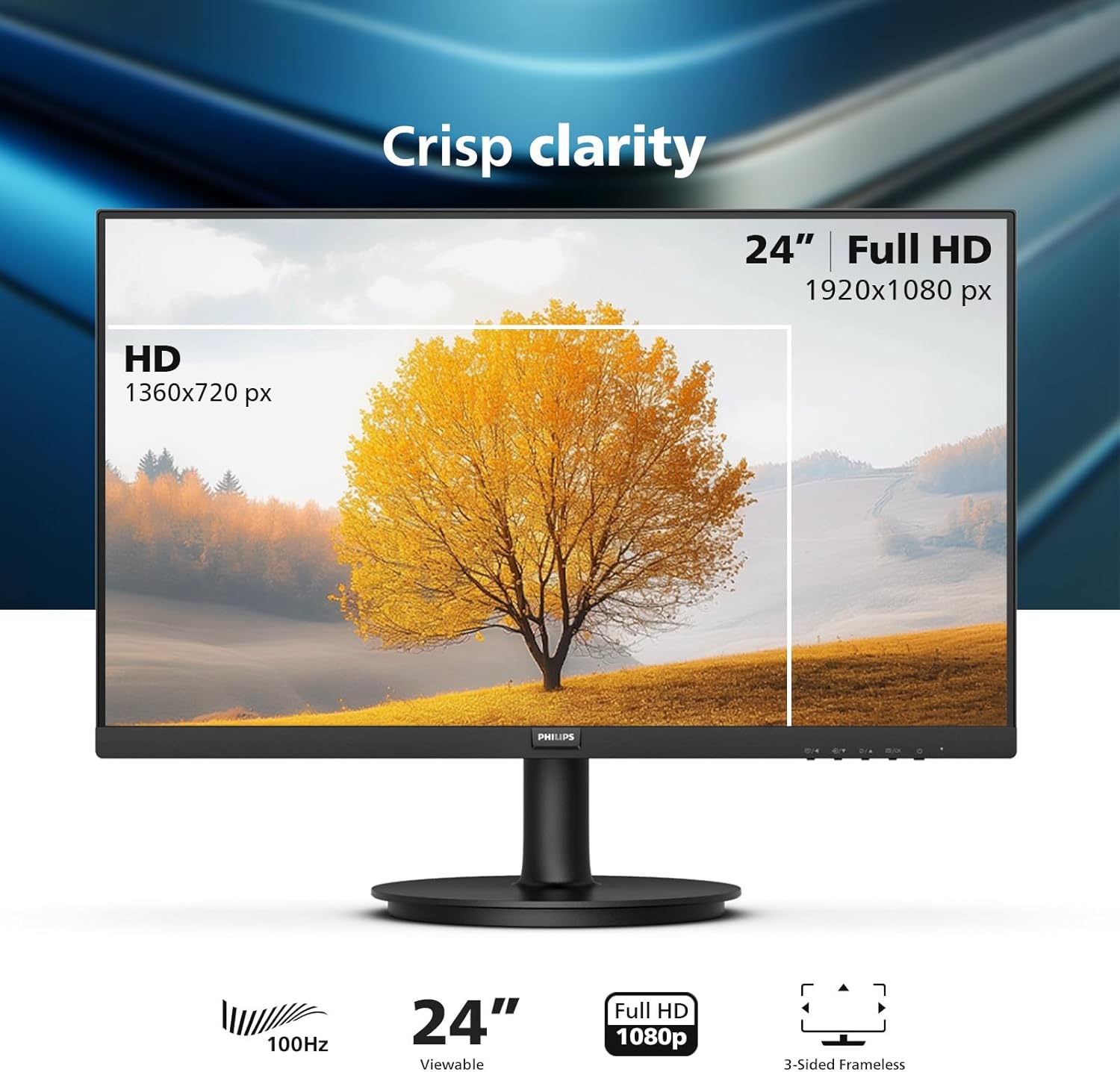
This is a slim, near-borderless flat-panel display intended for everyday computing, multimedia playback, and light gaming. The design emphasizes a clean desk profile and an unobstructed viewing area so a single screen feels more immersive.
It produces clear on-screen imagery and smoother motion than basic office panels, and includes built-in eye-care measures to help reduce fatigue during extended use. Multiple input paths and mount compatibility make it flexible for different setups.
Ideal for home office workers, students, or anyone replacing an older bulky monitor, it solves common problems like limited screen clarity, cable clutter, and awkward viewing angles by offering a compact, easy-to-integrate display with straightforward connectivity and support for external mounting.
Key Features

The frameless design keeps bezels to a minimum, reducing visual distractions and making the display a cleaner fit for dual- or multi-monitor setups. The panel size and resolution provide a balance between desktop real estate and readable text for everyday productivity and media consumption.
A 100Hz refresh rate smooths motion compared with standard 60Hz screens, which is useful for fast-paced video, scrolling through web pages, and casual gaming. Motion clarity and reduced blur make moving content feel more responsive without needing a high-end graphics card.
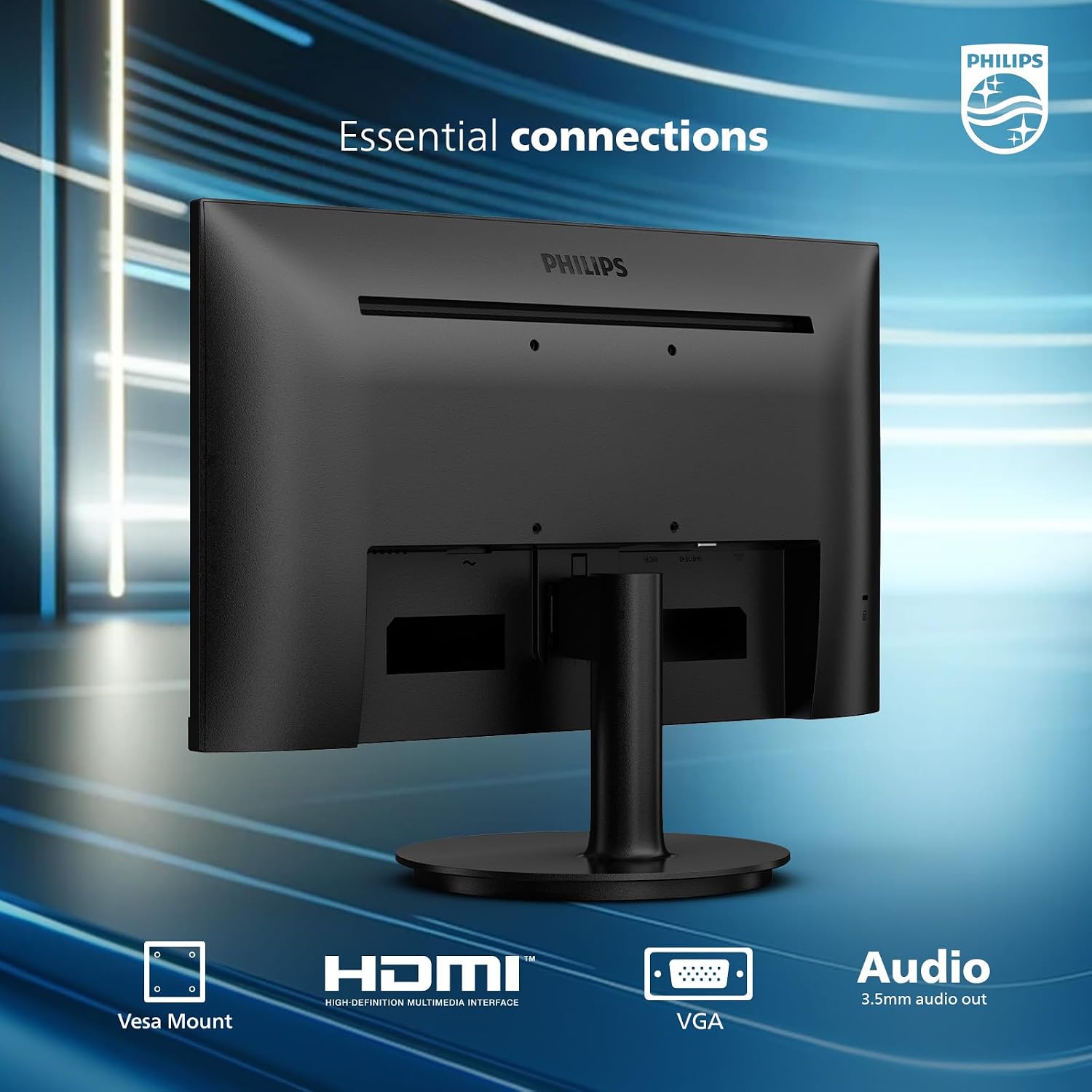
Connectivity covers common needs with one HDMI and one VGA input, and VESA compatibility lets you attach the display to arms or wall mounts for a more ergonomic workspace. Eye-care technologies aim to reduce flicker and lower blue light output to lessen fatigue during long sessions, and the included 4-year advance replacement warranty offers extended protection and simpler service if hardware issues arise.
Real-World Performance
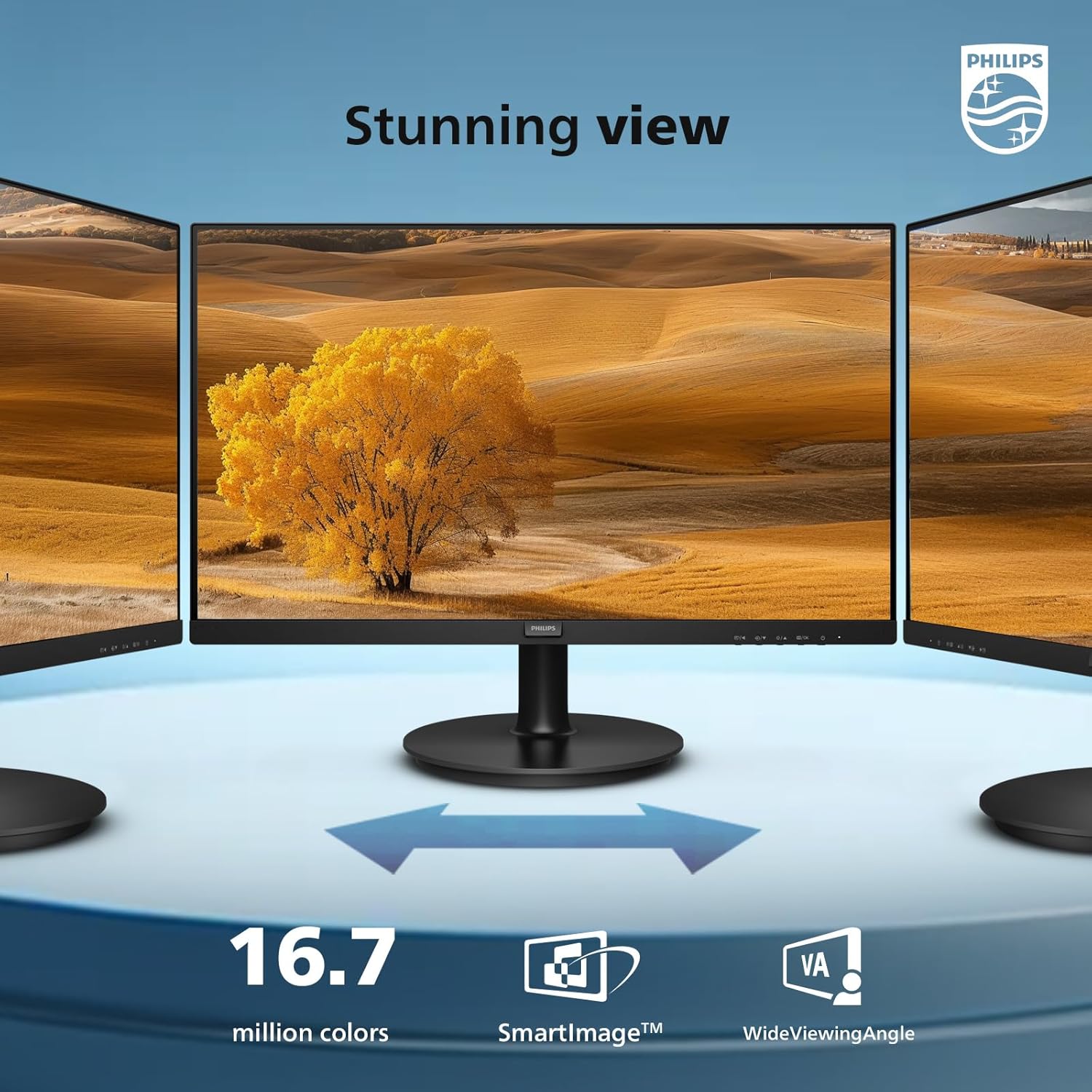
In everyday use the screen delivers clear text and dependable color for web browsing, spreadsheets, and streaming. Images and video look natural at normal viewing distances, and the near-borderless styling keeps the focus on content rather than the frame. For photo editing or color-critical work, a dedicated workflow with calibration may be necessary to reach professional standards.
Motion handling is generally tidy for movies and casual gaming, with typical fast-paced scenes appearing smooth and without obvious stutter in normal conditions. Input responsiveness is fine for most users, though competitive gamers who need the absolute lowest latency should compare purpose-built gaming displays. Actual responsiveness and refresh-related behavior can vary by model/version.
Ergonomically it works well as a secondary or primary screen: the slim profile and VESA compatibility simplify mounting in multipanel setups, and the mix of legacy and modern inputs makes hooking up different devices straightforward. Built-in eye-care measures help reduce fatigue during longer sessions, and the manufacturer-backed replacement coverage adds reassurance for longer-term ownership.
Ease of Use and Maintenance

Getting the screen up and running is straightforward: unpack, attach the stand or use the VESA interface for mounting, then connect to a source. The monitor supports both modern digital and legacy analog inputs, and the on-screen menu and physical controls make switching inputs and adjusting basic picture settings quick without digging through complicated menus.
Routine cleaning is low-effort. Use a soft microfiber cloth and gentle, non-abrasive cleaner designed for displays; always power off and unplug before wiping. Avoid ammonia- or alcohol-based sprays directly on the panel, and keep compressed-air or a soft brush handy for vents and stand crevices to prevent dust buildup.
For ongoing upkeep, keep brightness and contrast at comfortable levels to reduce panel stress and extend lifespan. If any parts need replacement or you need service, warranty and support options vary by retailer and region, so keep your receipt and registration information handy. For specific replacement policies or advance-replacement programs, check the official warranty terms for your purchase, as coverage and procedures vary by model/version.
Pros and Trade-Offs
The model’s near-edge panel and slim silhouette make it a clear win for anyone who wants a tidy, modern-looking desktop without a heavy visual border. Built-in eye-care features help reduce visual fatigue during long sessions, and the inclusion of both contemporary and legacy input options plus support for standard mounting patterns gives flexibility for different workstation setups.
On the performance side it handles everyday tasks, streaming, and casual gaming with competent motion handling and responsive inputs compared with basic office screens. Color and contrast are suitable for general multimedia use, but those who require precise color grading, deep HDR performance, or championship-level refresh rates will find higher-end panels better suited to those needs.
A practical trade-off is that this option favors broad usability over specialist features. Adjustability and some hardware extras can vary by version, and advanced ergonomics or professional-grade color calibration are not the primary focus. For buyers seeking a clean aesthetic, simple mounting options, and eye-focused features at a mainstream price point, it’s a balanced choice; for studio work or hardcore competitive gaming, consider a model oriented specifically to those demands.
Who This Product Is For
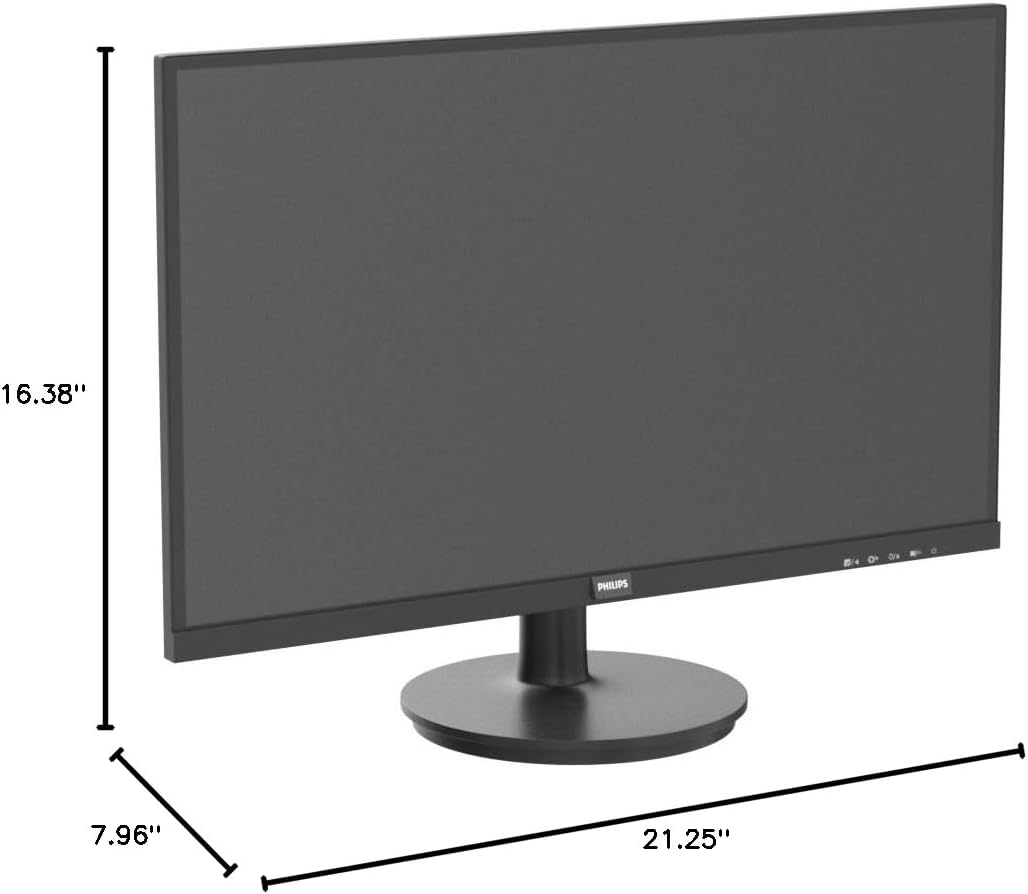
This screen is a good fit for people who need a straightforward, space-conscious display for everyday tasks. If your typical day involves document work, web browsing, video calls, and streaming, the minimalist design and mounting compatibility make it easy to add to a small desk or a multi-monitor setup without drawing attention.
It also works well for casual gaming and media consumption. Those who want smoother motion handling and basic eye‑comfort features, plus a mix of newer and older connectivity options, will find it convenient without paying for high-end gamer or creator features.
Skip this model if you do color-critical design, professional photo or video editing, or if you need ultrawide or top-tier refresh rates and extreme resolutions. Users who require advanced ergonomic adjustability or workstation-grade color accuracy should look at higher-end alternatives.
As an Amazon Associate, I earn commission on qualified purchases.