Amazon Fire HD 10 Tablet | 10.1-Inch Full HD, 3GB, 32GB
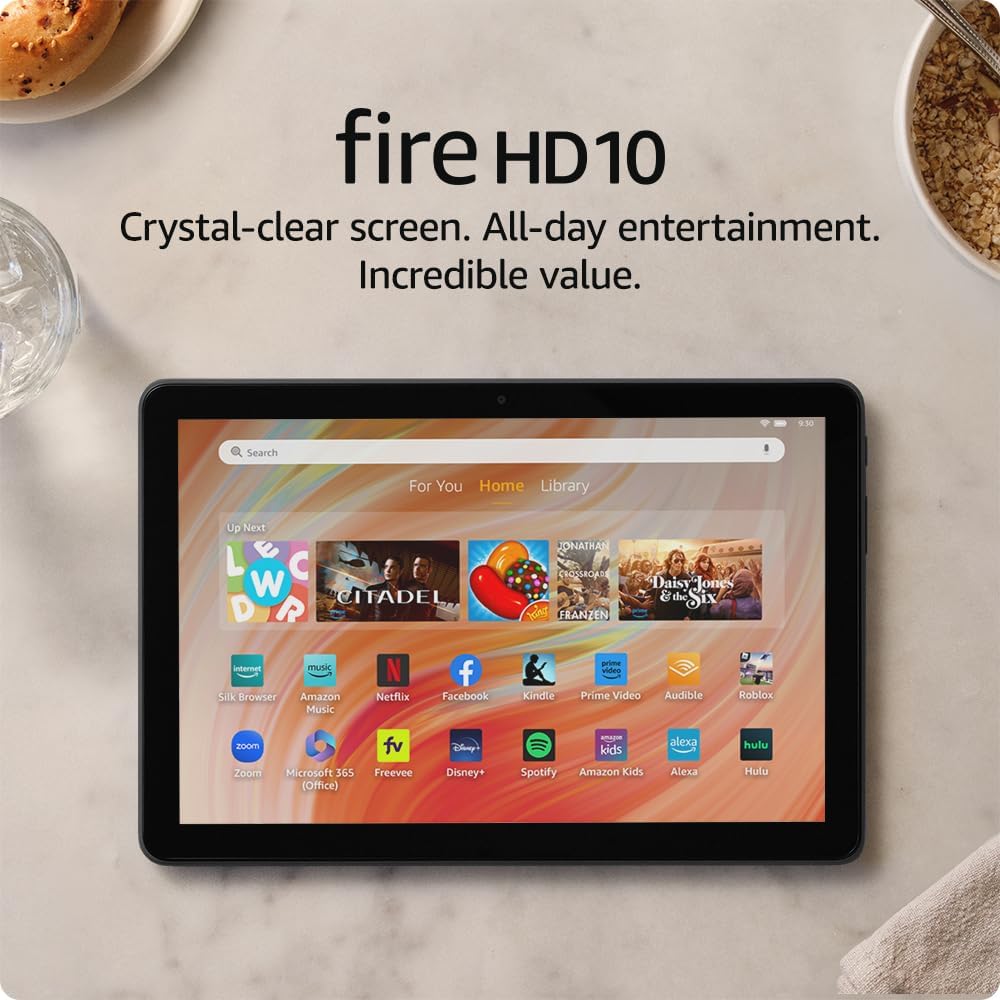
The Amazon Fire HD 10 is a media-focused tablet with a 10.1″ Full HD display, an octa-core processor, 3 GB of RAM, and 32 GB of storage. It’s tuned for relaxed, everyday use—streaming, reading, browsing, and light gaming—with a long battery life and a lightweight, durable design, but it’s not aimed at heavy multitasking or pro workloads.
Overview
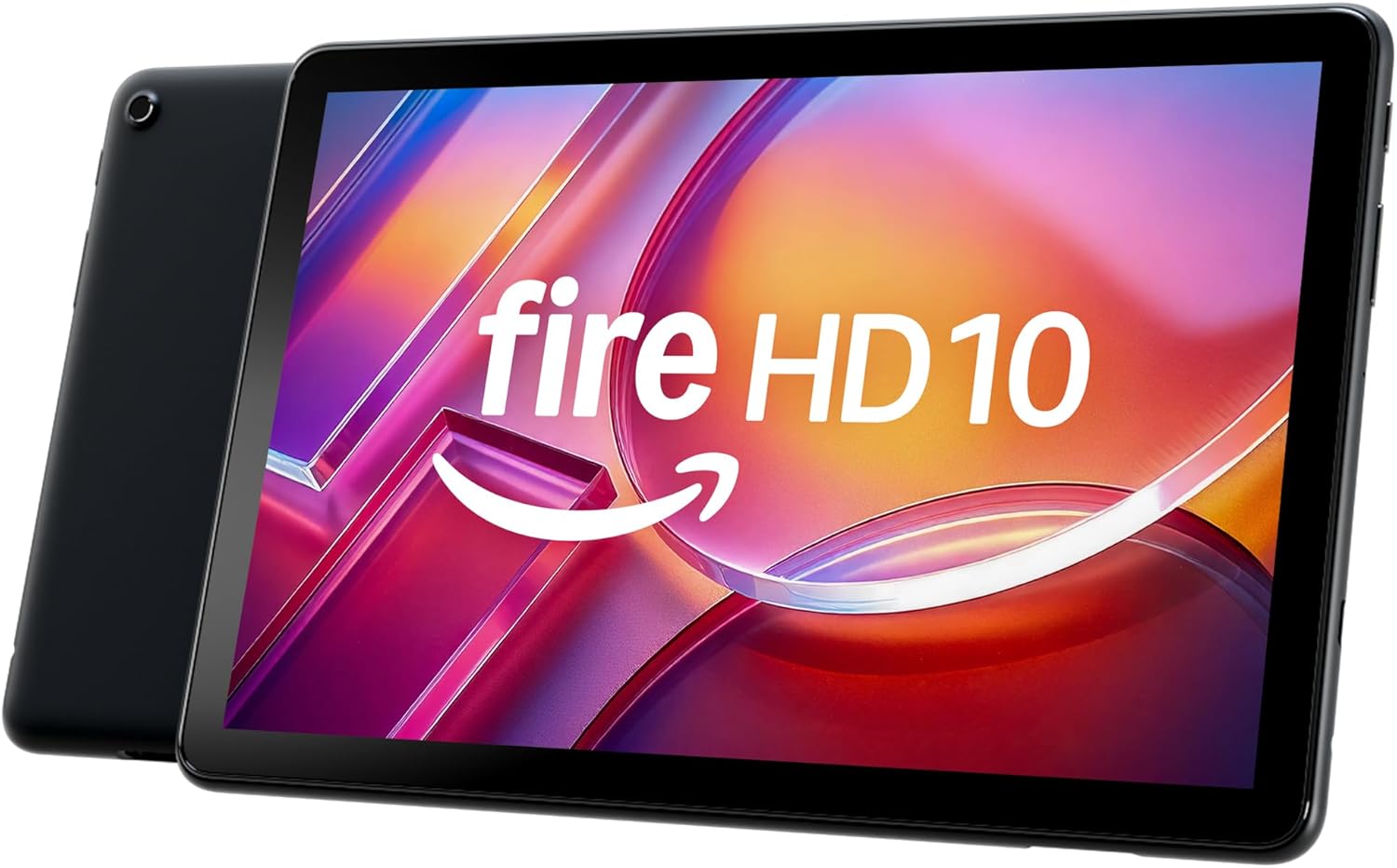
This is an entertainment‑oriented tablet designed for relaxed, everyday use—streaming video, reading, browsing, and casual gaming all feel natural on its bright, high‑definition display. The interface emphasizes simplicity and quick access to media and apps, so setup and daily use are straightforward.
Performance is aimed at responsiveness for routine tasks rather than intensive workloads; memory and storage vary by model/version, so configuration affects how many apps and files you can keep locally. Audio, display quality, and battery behavior are tuned to prioritize comfortable viewing sessions and portability.
It suits anyone who wants an affordable, portable screen for media and light productivity: commuters who watch shows on the go, readers who prefer a larger display than a phone, and families seeking a shareable device. If you need workstation-level performance or large local storage, a different class of device would be more appropriate.
Key Features
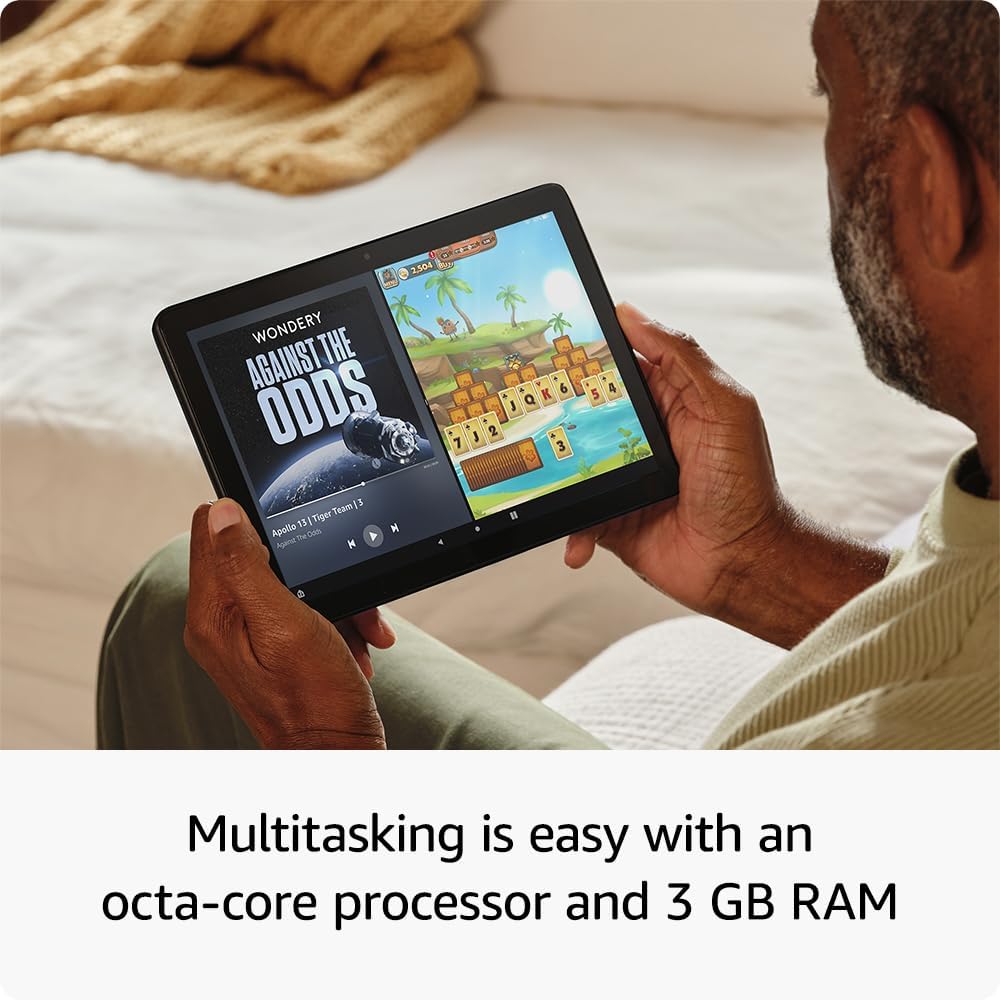
The 10.1-inch Full HD display is the most noticeable feature for anyone who uses the tablet for watching videos, reading, or browsing. A sharper, more vibrant panel improves clarity and color, making streaming and e-books more enjoyable without adding bulk.
Under the hood, an eight-core processor combined with 3 GB of memory is aimed at everyday responsiveness: switching between apps, video calls, and web browsing are generally smooth. That configuration is well suited to casual multitasking but may show limits with very intensive apps or prolonged heavy workloads.
Onboard storage is modest and suited to apps plus a moderate media library; users who store many large files should plan for cloud backup or additional storage options that vary by model/version. Software updates and installed apps also affect available space over time.
Practical touches like a lightweight build, onboard speakers, and battery life that depends on how it’s used make this a comfortable choice for relaxed, portable use. Accessories and the app ecosystem determine how well the device adapts to reading, entertainment, and light productivity.
Real-World Performance

Everyday tasks like web browsing, video streaming, reading, and using social apps feel smooth and straightforward. The display makes media enjoyable, and routine apps open and navigate without awkward delays when only a few apps are active.
When you push it—running many apps at once or trying more demanding games—expect occasional hiccups and longer app load times. Sustained heavy use can cause the system to slow as resources are shared, so performance is best when background tasks are limited; results can vary by model/version.
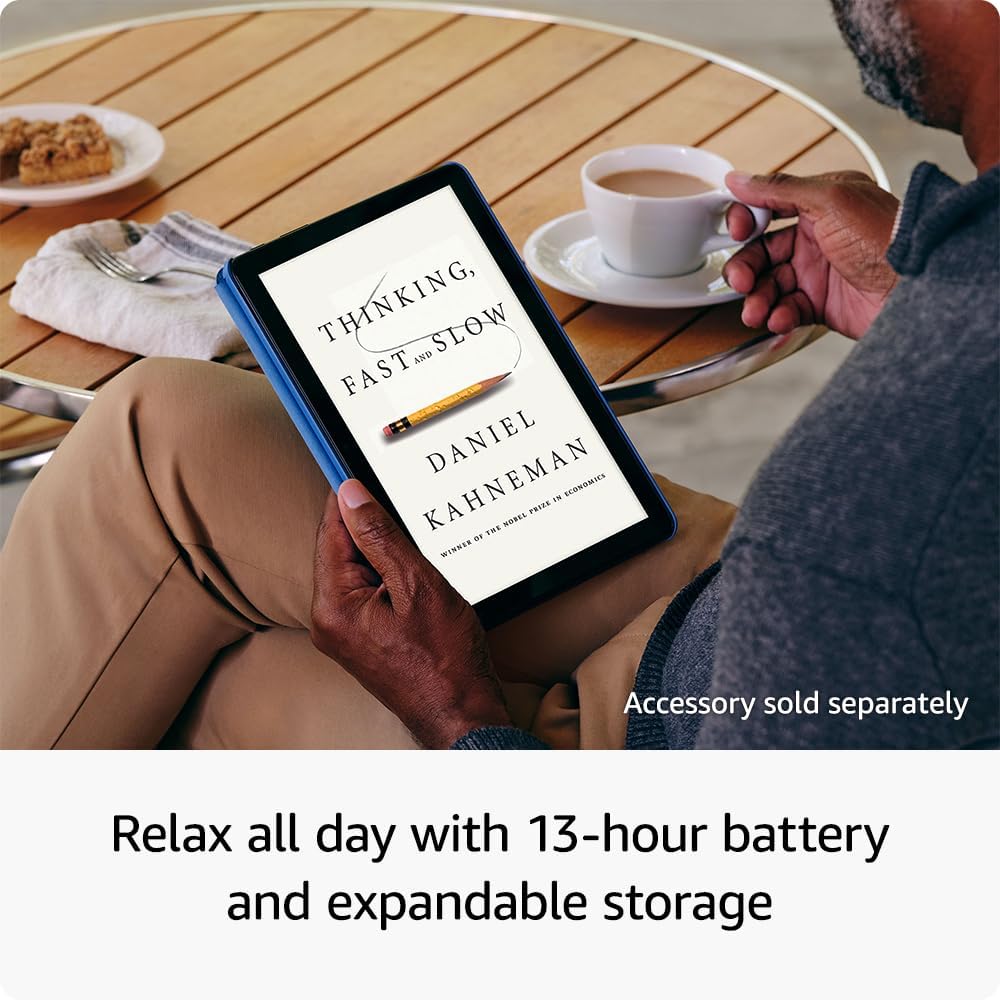
Battery and thermal behavior are sensible for casual use: the device stays comfortable to hold during typical sessions but can warm with prolonged gaming or high-brightness playback. For people who store lots of media locally, internal space can fill up quickly, so consider cloud storage or expandable options where available.
Ease of Use and Maintenance
Out of the box the device is set up through an on‑screen guide that walks you through language selection, wireless network connection, and signing into your account; restoring a previous backup or importing settings is usually offered if available. The interface is designed to be approachable for first‑time users, with clear prompts and large touch targets.
For routine cleaning, power the unit off first and use a dry microfiber cloth to remove fingerprints and dust. For stubborn smudges a slightly dampened cloth or a screen‑safe cleaner is fine, but avoid abrasive materials, bleach, or immersing the device in liquid.
Everyday replacements like cases, chargers, and screen protectors are simple to swap and widely available, while internal repairs such as battery replacement typically require professional service and may vary by model/version. Using original or certified accessories helps avoid charging or compatibility issues — and for other small, practical Amazon Basics items you can see examples like the Amazon Basics small digital oval alarm clock.
Ongoing upkeep is mainly about software and storage: keep the system and apps updated, remove unused apps and large media files to free space, enable backups to protect photos and documents, and restart the device occasionally to keep performance smooth.
Pros and Trade-Offs
The device shines for casual media use: a bright, detailed screen and smooth playback make it pleasant for watching shows, reading, and browsing. Day-to-day apps and video streaming run with little fuss, and the overall build and software lean toward easy, family-friendly use. Battery performance is generally adequate for extended sessions, though runtime depends on how intensely the device is used.
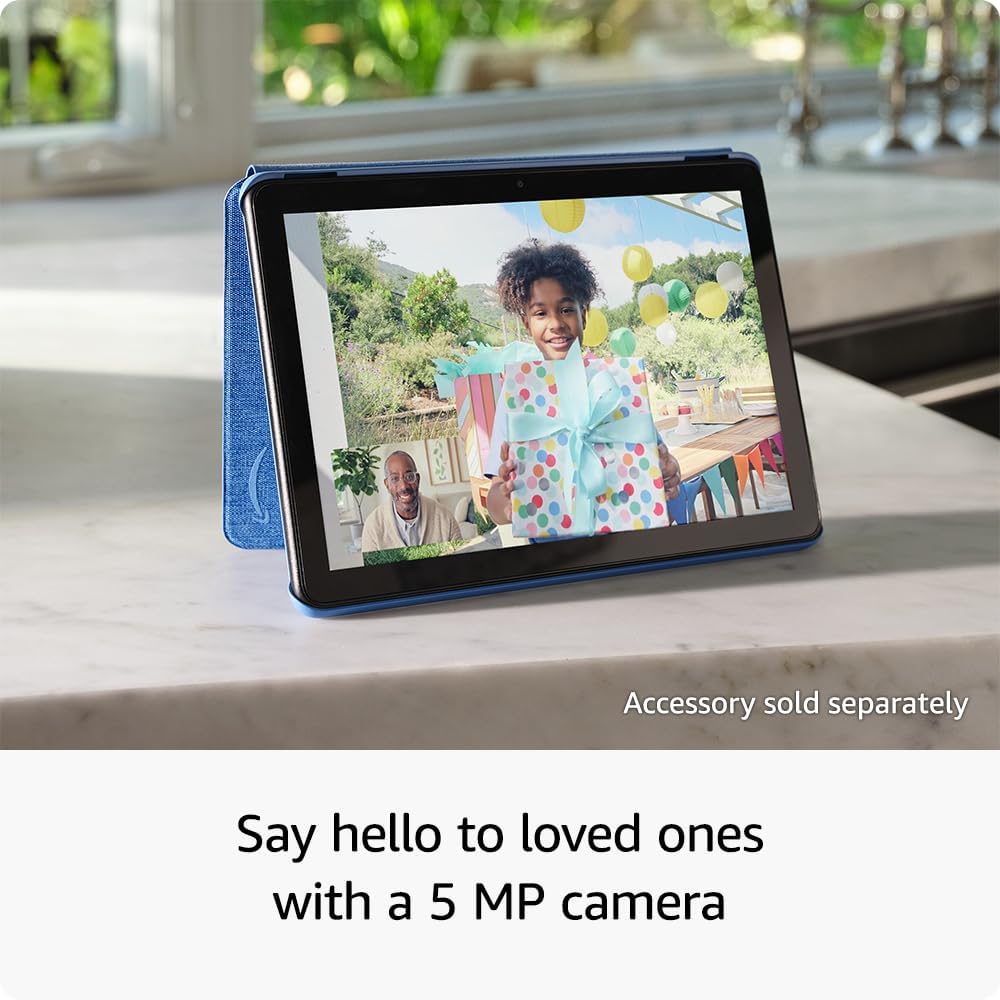
On the flip side, there’s limited headroom for heavy multitasking or demanding 3D games; users who run many apps simultaneously may notice slower responsiveness. Storage and camera capabilities are modest, so photographers or those who keep lots of files may need external or cloud options; specific capacities vary by model/version. The interface prioritizes simplicity, which helps beginners but reduces customization for advanced users.
In short, it’s a solid pick for relaxed, media-first usage and light productivity, but those needing pro-level performance, advanced multitasking, or top-tier cameras should consider higher-performance alternatives.
Who This Product Is For
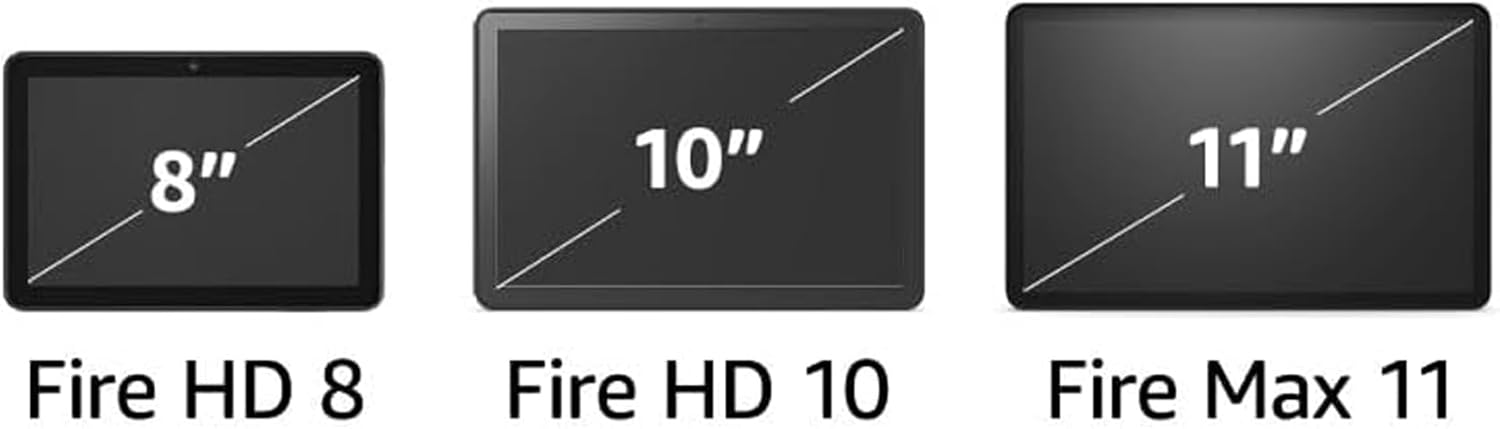
This tablet is aimed at people who want a simple, relaxing device for everyday entertainment — streaming shows, reading, casual web browsing, and light games. Its focus is on comfortable media consumption and straightforward use rather than high-end productivity.
It also fits households looking for an easy shared device: those who want something family-friendly and intuitive for kids or visitors will appreciate the uncomplicated interface and portability. Storage, memory, and software options can vary by model/version, so buyers who care about those details should confirm the specific configuration.
Skip this one if you need a powerhouse for content creation, heavy multitasking, or professional apps; users who require advanced accessories or cellular connectivity should check whether those features are included in the version they’re considering. If you want to compare other compact Amazon devices first, see our Echo Pop review and the Echo Spot review for more context on different usage scenarios.
As an Amazon Associate, I earn commission on qualified purchases.