Apple MacBook Neo 13-Inch Laptop – A18 Pro, 512GB SSD
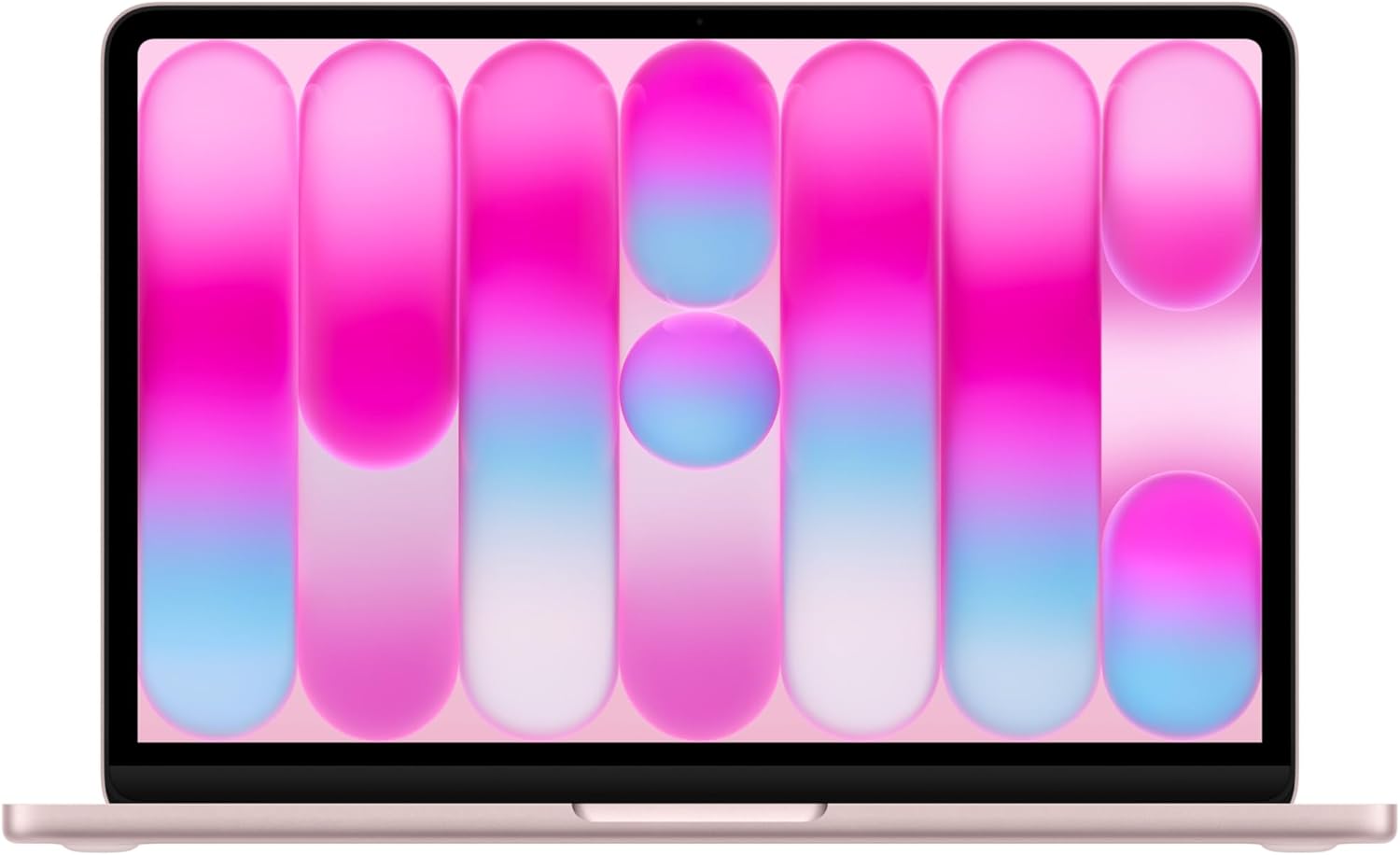
The MacBook Neo 13-inch with the A18 Pro is a compact macOS laptop focused on on-device AI features, a bright Liquid Retina screen, and a 1080p FaceTime camera. It’s aimed at users who want portability and responsive everyday performance rather than workstation-class throughput. This review walks through display, performance, build, camera/audio, and battery behavior to show how the configuration fits common use cases.
Overview
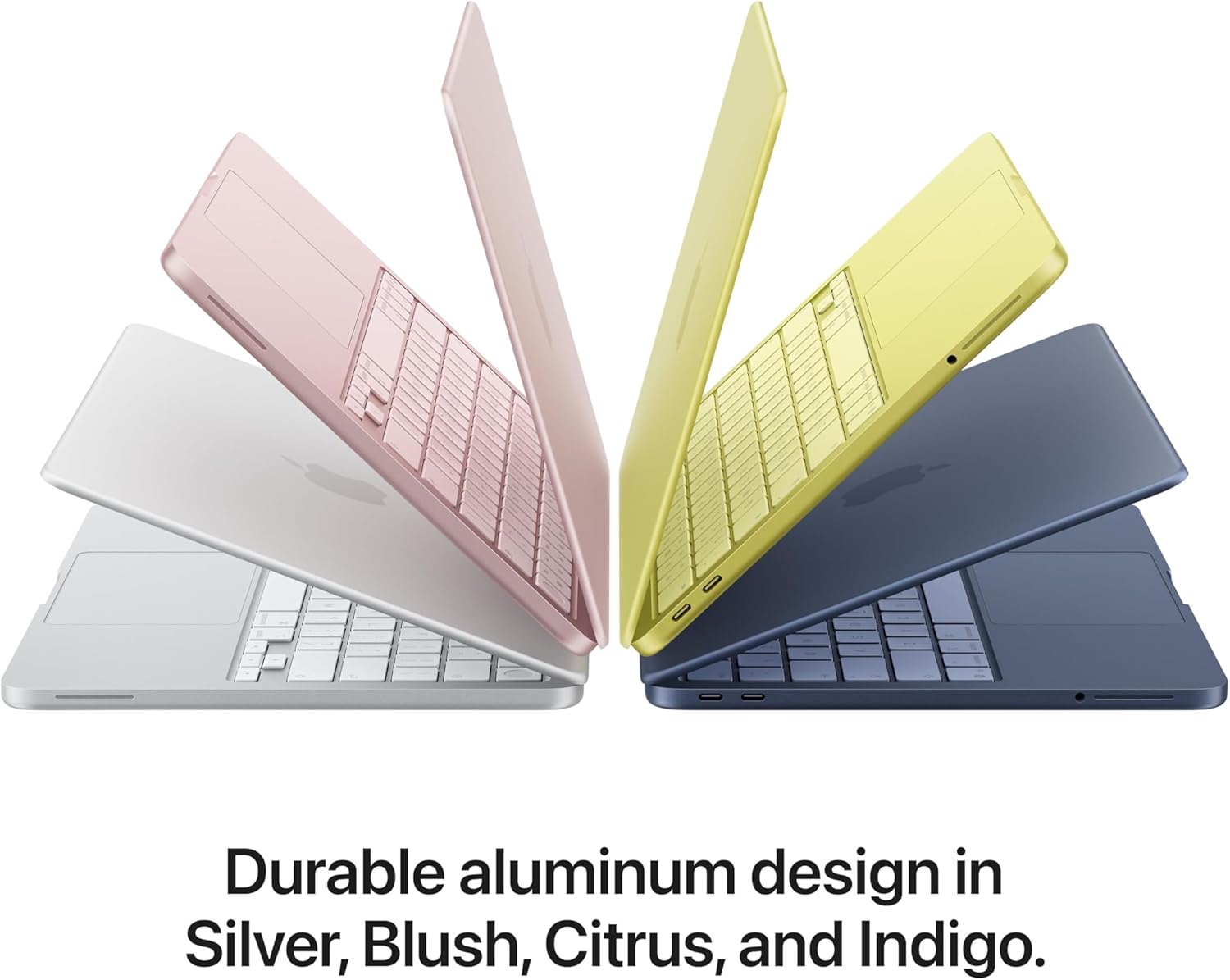
This is a compact Apple laptop positioned for users who want a portable machine with on-device intelligence capabilities. It pairs modern Apple silicon performance with a bright, color-rich screen and the basic multimedia tools most people use daily, like video calling and quick photo or document edits.
The machine focuses on accelerating everyday workflows that benefit from AI assistance — things such as drafting text, organizing files, editing images, and running inference locally to keep data private. Storage and memory configurations vary by model/version, so capacity and performance will depend on the specific configuration chosen.
It’s best suited to students, mobile professionals, and creative hobbyists who prioritize portability and responsiveness over full desktop replacement power. If you’re comparing small Apple laptops, you may also want to read our MacBook Air M4 review for a point of comparison when choosing the right compact Mac.
Key Features
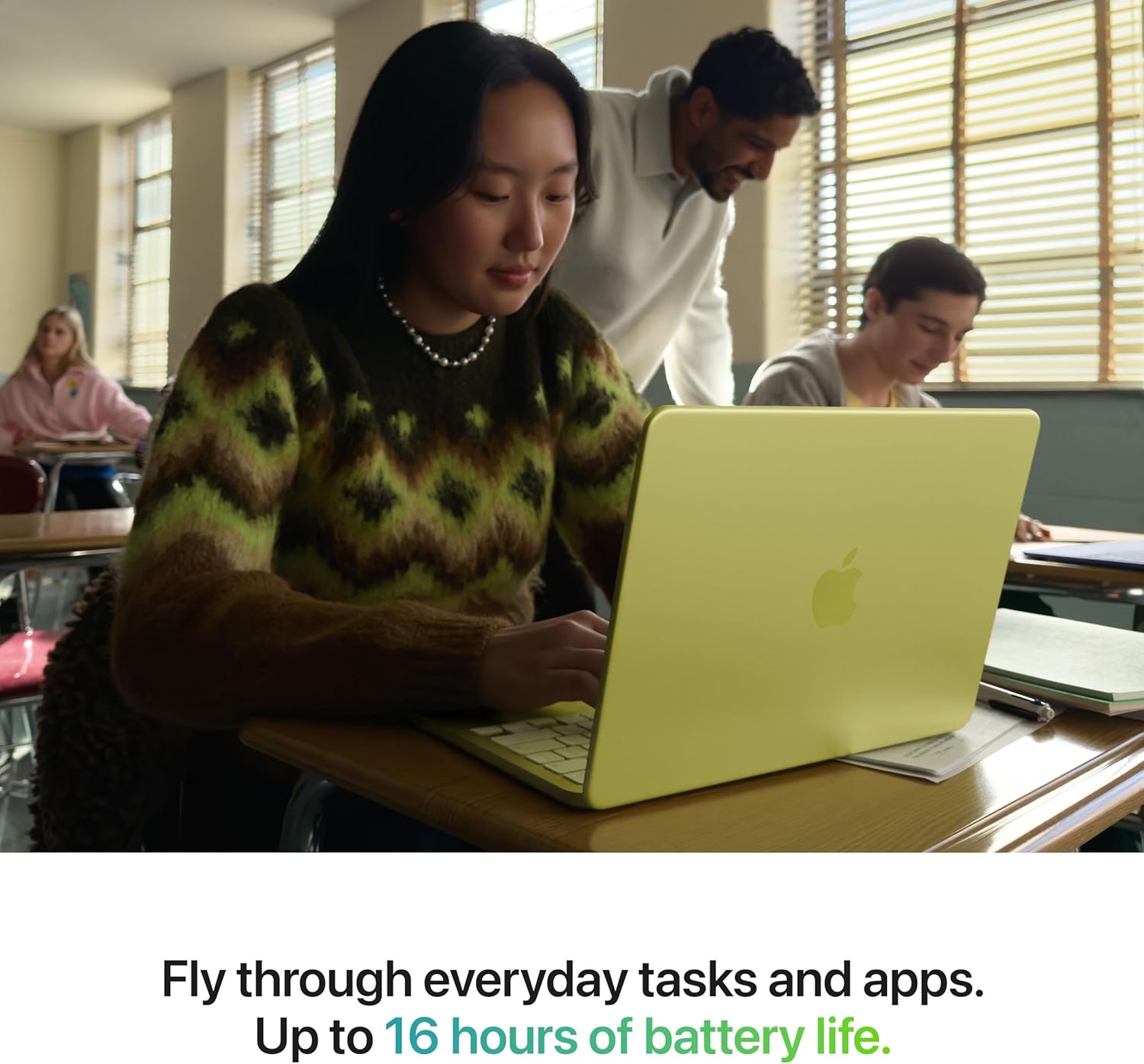
The A18 Pro chip and emphasis on Apple Intelligence mean on-device AI tasks—things like image adjustments, smart text and photo processing, and system-level predictions—are handled more directly, which typically speeds up responsiveness and reduces dependence on remote services. That focus is noticeable when using generative or ML-driven features and when juggling multiple apps.
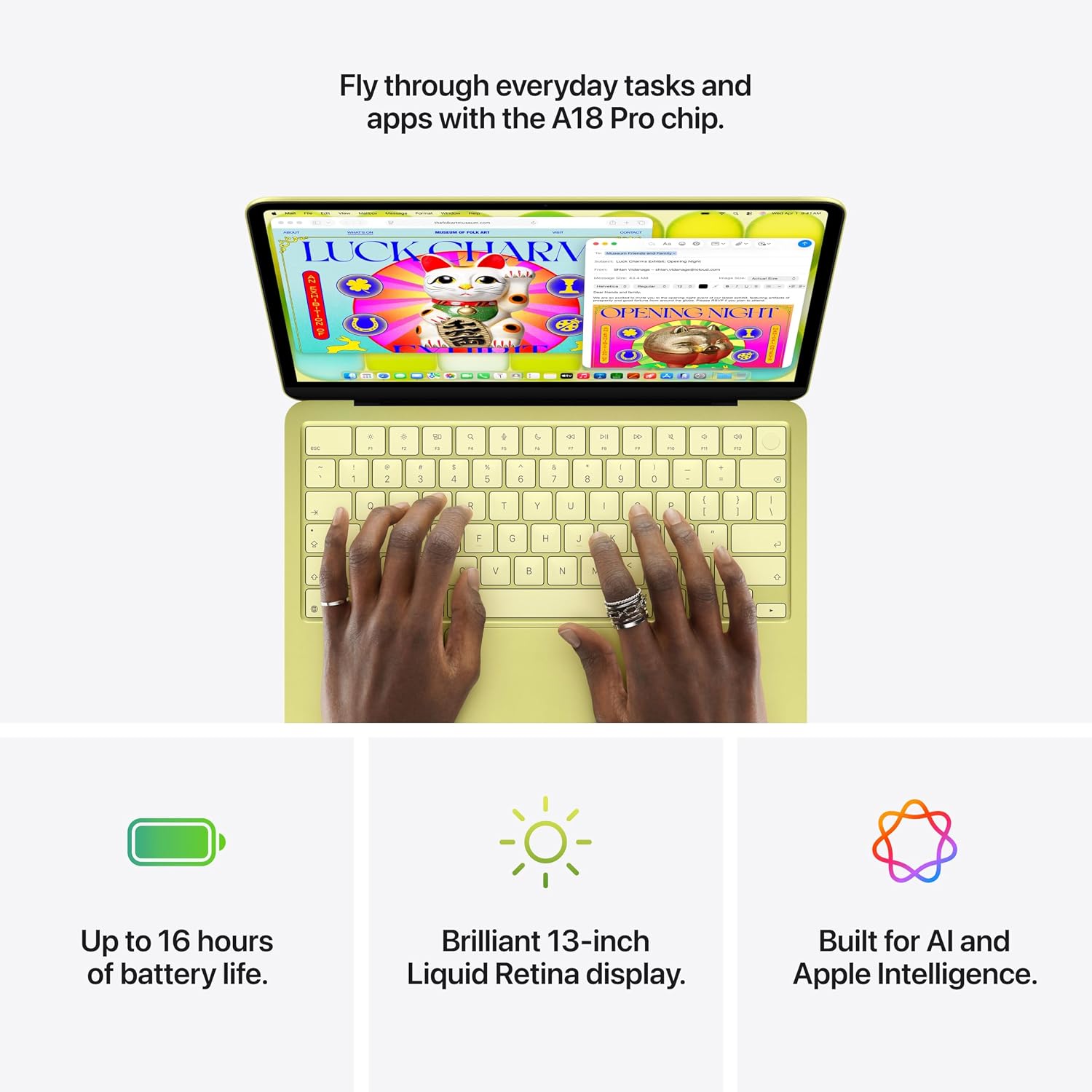
The Liquid Retina panel offers accurate colors and a clean image for content creation and media consumption, while the 1080p FaceTime HD camera makes video calls clearer and more professional-looking. Touch ID provides a quick, secure way to unlock the machine and authenticate purchases or passwords without constant typing.
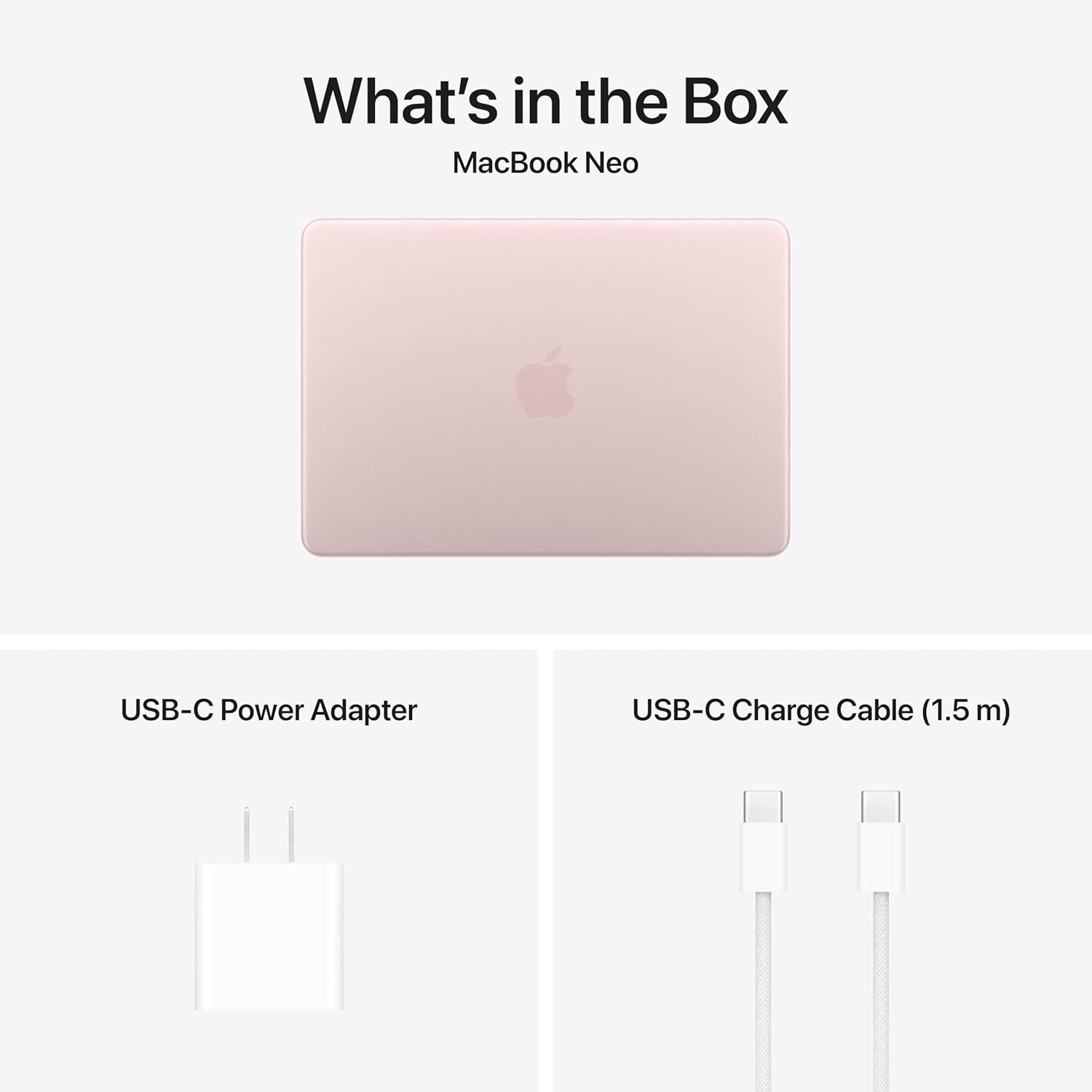
This configuration comes with 8GB of unified memory and a 512GB SSD, a combination that supports smooth multitasking and local storage for everyday projects; expandability and other capacity options vary by model/version. The 13-inch footprint and Blush finish keep the system portable and stylish, making it suitable for students, remote workers, and anyone who prioritizes a compact, AI-capable laptop for daily productivity.
Real-World Performance
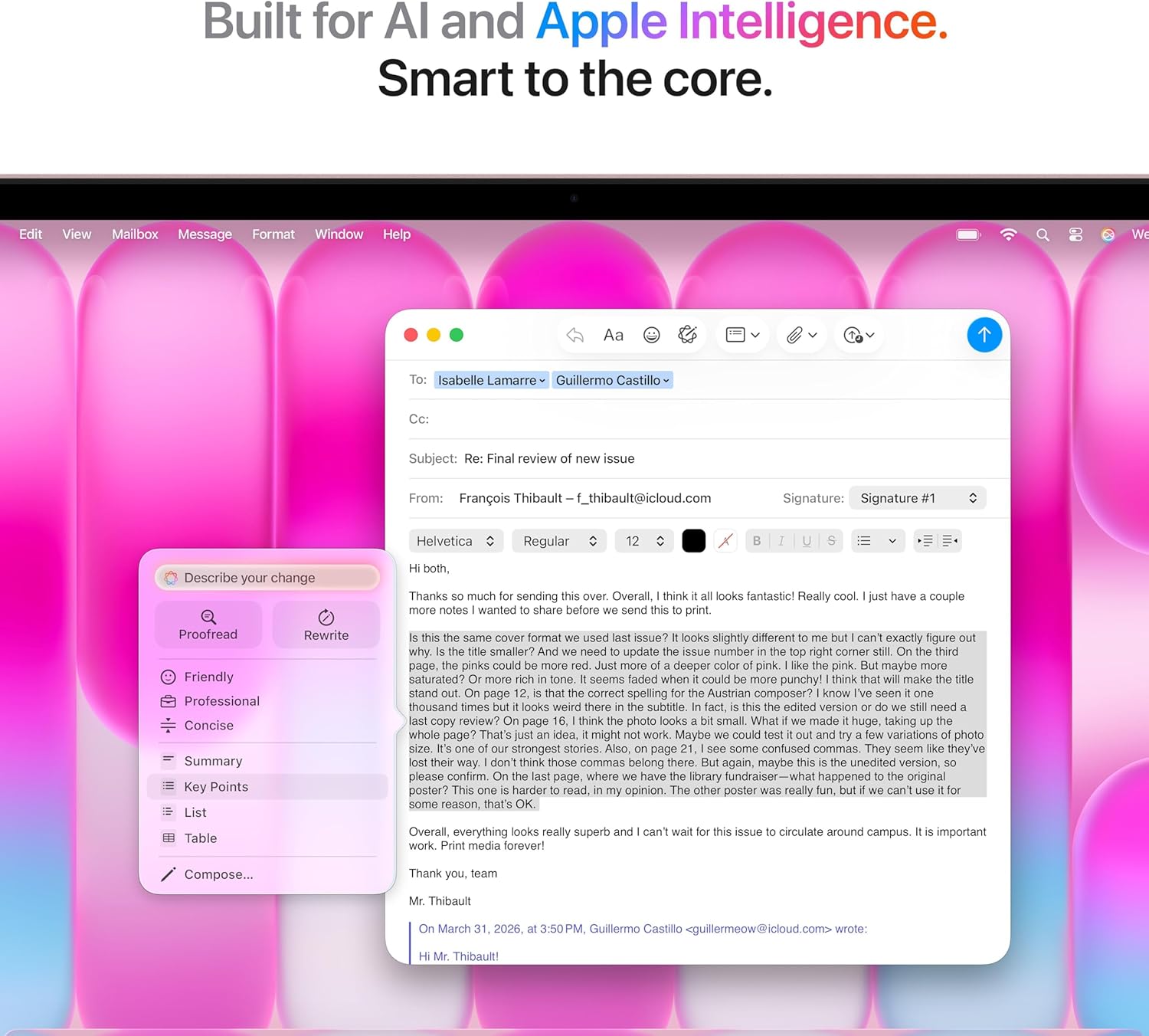
Everyday use feels responsive: web browsing, document work, video streaming and video conferencing all run smoothly and with minimal lag. The keyboard and trackpad keep routine tasks comfortable, and the display provides clear text and punchy visuals for watching media or editing photos at a consumer level. Built-in on-device intelligence features speed up common workflows, so small automation and assistant-style tasks happen instantly.
When you push into heavier creative work — longer video exports, large raw-photo batches, or data-heavy AI experiments — the machine handles bursty workloads well but may show limits under sustained, intensive processing. Thermal management and sustained throughput depend on the specific configuration and ambient conditions, so performance for prolonged rendering or model training varies by model/version.
Portability and day-to-day reliability are strengths: it’s light enough to carry between meetings and quiet during typical use. Battery life and storage endurance depend strongly on how you use it and which configuration you choose, and you may find higher-capacity options preferable if you work with large media libraries or run many demanding apps concurrently. If a tablet is more your style for light productivity, see our iPad 10.2 review for an alternative approach to mobile work.
Ease of Use and Maintenance
Out-of-the-box setup is straightforward: a guided setup assistant walks you through signing in with your Apple ID, connecting to Wi‑Fi, and migrating data from an older device if you choose. Accessibility and privacy settings are presented during setup so you can tailor the experience immediately, and the migration tool handles most file and app transfers with minimal fuss.
Cleaning is simple but needs care: use a soft, lint-free microfiber cloth for the display and aluminum surfaces, power the machine down before wiping, and avoid abrasive cleaners or spraying liquids directly onto the screen. Compressed air can clear debris from the keyboard and ports, and keeping the camera area free of smudges will preserve call and video quality.
Hardware repairs and part replacements are generally handled by authorized service providers, and many internal components are not user‑serviceable. Upgradability varies by model/version, so check service options before assuming components like memory or storage can be swapped.
Ongoing upkeep is mostly software-driven: enable automatic system updates and regular backups to cloud or local storage, manage background apps and storage to keep responsiveness high, and give the chassis room for airflow during heavy tasks. Routine, gentle care will keep the machine running smoothly and reduce the need for service. For audio and accessory options that pair well with a MacBook, you can read our AirPods 4 review to see headphone choices that match this class of laptop.
Pros and Trade-Offs
The machine shines when it comes to on-device intelligence and everyday responsiveness. The A18 Pro processor and system-level optimizations make common tasks, multitasking, and AI-assisted features feel swift, so users who value instant interactions and smoother background processing will notice a tangible benefit.
The display and camera are clear strengths for communication and media. The Liquid Retina panel delivers crisp text and pleasing color for streaming or light photo work, while the higher-resolution front camera improves video call clarity. Biometric sign-in adds quick security without interrupting workflow.
There are trade-offs to weigh against those benefits. The included memory and storage configuration will be fine for most users, but power users who regularly run heavy editing projects, virtual machines, or huge media libraries may find it limiting. Upgradeability and exact port selection vary by model/version, so expandability and accessory needs should be checked before buying.
In short, this is a strong option for buyers who prioritize mobility, a premium screen and camera, and integrated AI features. Those who need extensive local storage, more memory, or high-end pro-level throughput should consider higher-spec configurations or external solutions.
Who This Product Is For
This compact laptop is aimed at users who want a modern macOS experience in a lightweight package with on-device AI features and convenient security options. It fits people who prioritize portability and a polished built-in camera and display over desktop-level expandability.
Creative hobbyists and content creators who edit photos, stream, or prepare social video content will appreciate the color-accurate screen and improved webcam for quick recording and editing workflows. It’s also a solid choice for students and remote professionals who need reliable performance for research, document work, video calls, and smart-assistant style features that speed up everyday tasks.
Skip this model if you rely on workstation-class performance for long renders, large-scale 3D work, or high-end gaming, or if you require many legacy ports or extensive internal upgradeability. Budget-minded buyers who need the absolute lowest cost for basic web browsing and email may also find better value in simpler notebooks. If you want compact companion gear, our AirPods Pro 3 review covers higher-end earbuds that pair well with a mobile Mac workflow.
As an Amazon Associate, I earn commission on qualified purchases.