Amazon Kindle Paperwhite 16GB – Newest Model, 20% Faster
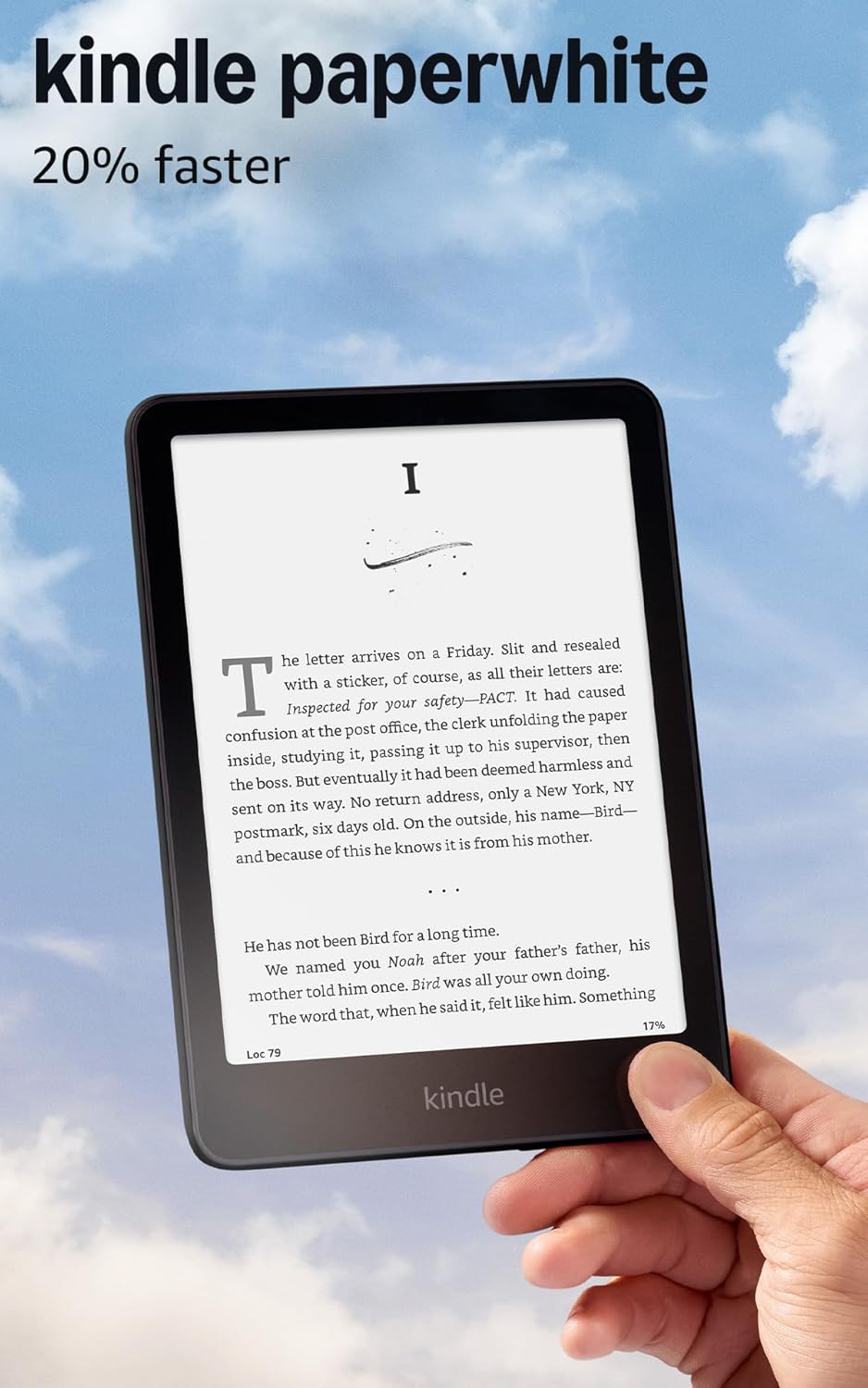
The Kindle Paperwhite 16GB newest model sharpens the core e-reader experience with a 20% speed boost, a larger 7″ glare‑free display, and long battery life that stretches to weeks of typical use. It focuses on distraction‑free reading, waterproofing and USB‑C charging while keeping navigation and type rendering smooth for extended sessions.
Overview
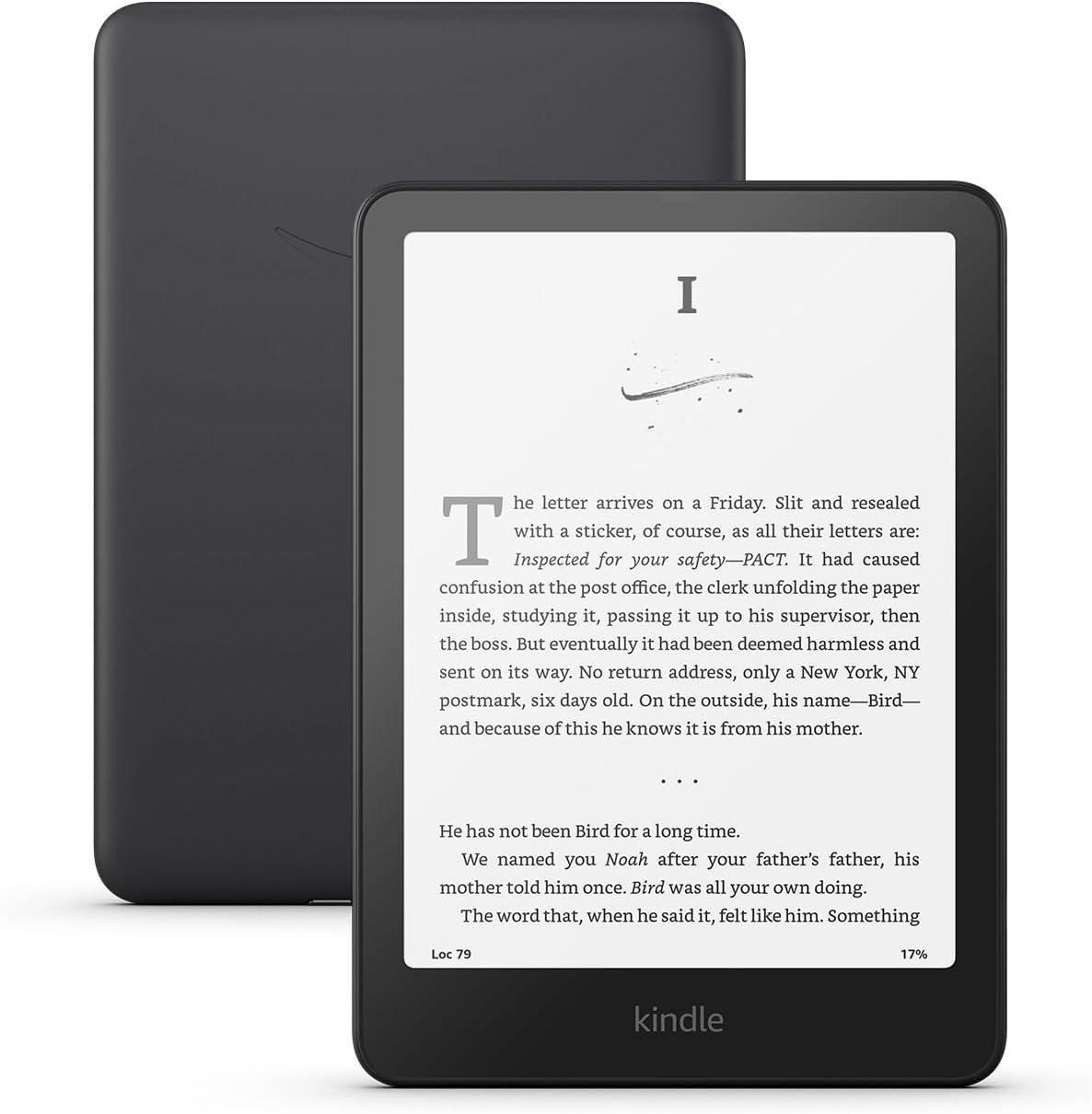
This is a modern e-reader built for people who prefer a dedicated reading device instead of a phone or tablet. It combines a matte, glare‑resistant display with adjustable front lighting and touch controls to keep reading comfortable across a range of lighting conditions.
Functionally it acts as a portable library and reading hub: you can store many titles locally, sync purchases and bookmarks, and move quickly between books without the notifications or social apps that come with general-purpose tablets.
The Paperwhite addresses common practical problems—carrying multiple books, reading in bright sunlight, and frequent charging—by offering a lightweight design, waterproofing, and long battery life. Exact specs vary by region and model, so check the configuration that matches your needs.
Key Features
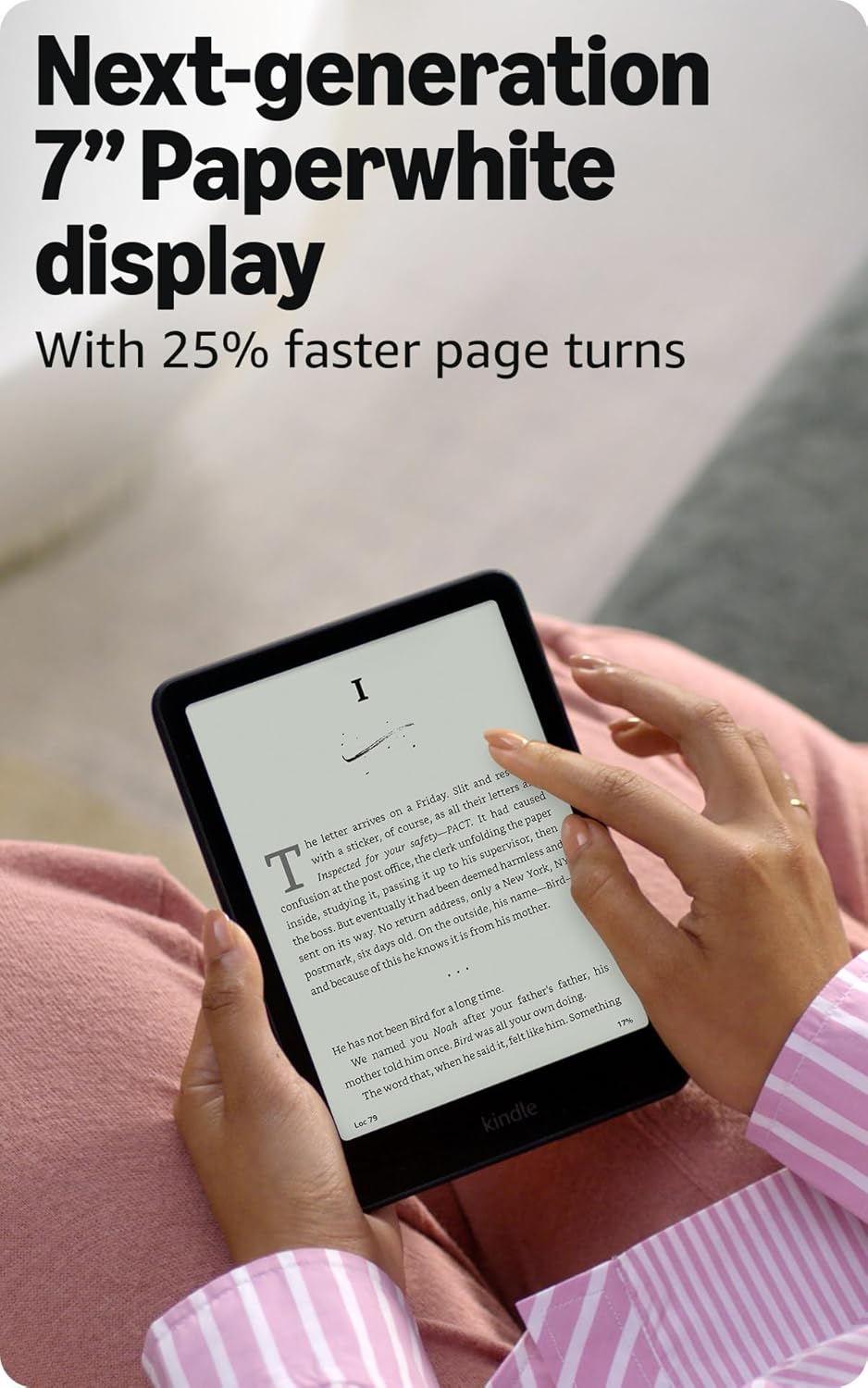
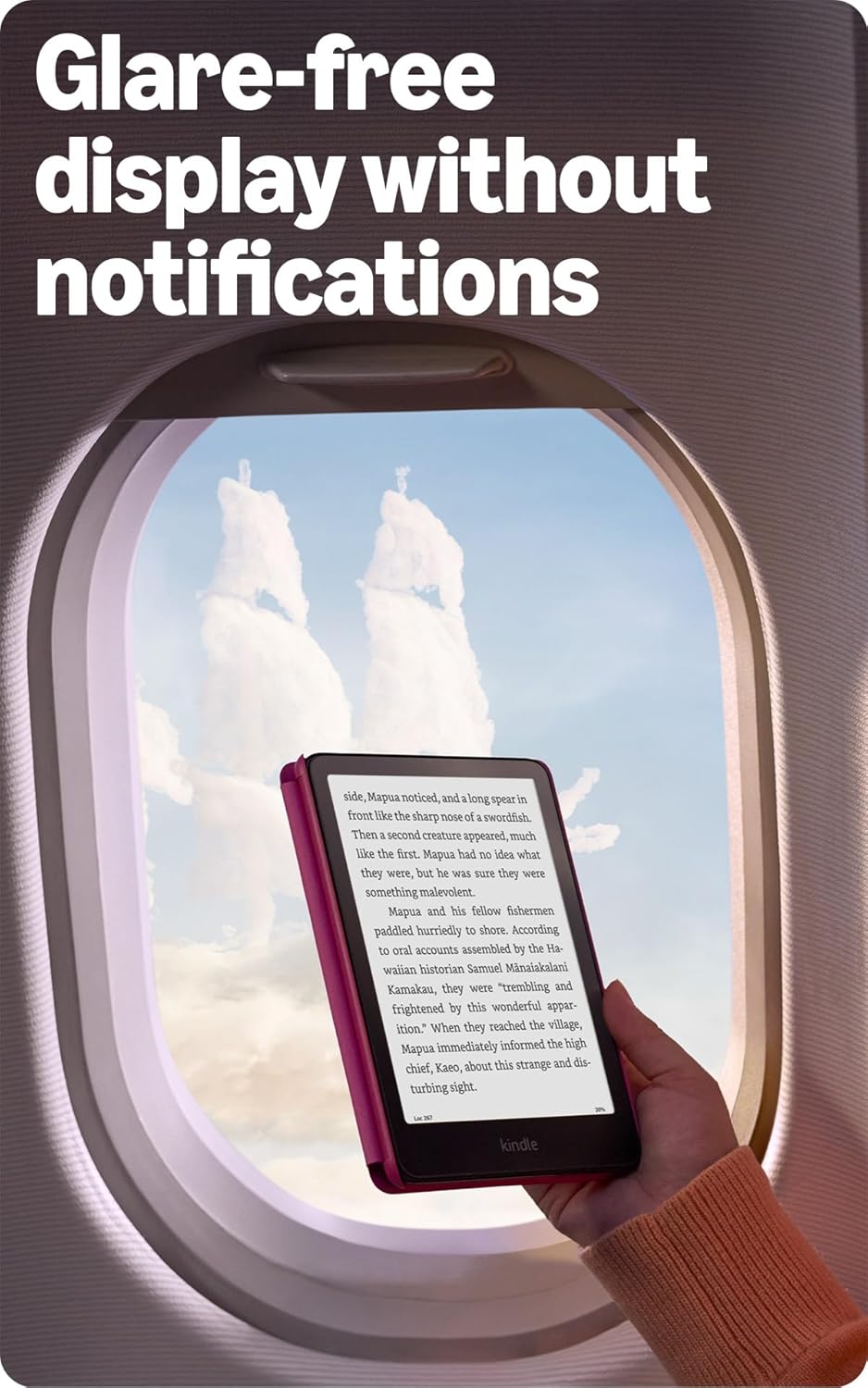
The headline change is a claimed 20% speed increase, which shows up as snappier page turns, faster searches, and smoother menu navigation—especially noticeable with large libraries or big files. The 7″ glare‑free display reduces reflections for outdoor reading and maintains consistent contrast indoors.
Adjustable front lighting, sharper text rendering, and a matte surface make long sessions easier on the eyes. On‑device 16GB storage leaves room for a sizable offline library, and USB‑C charging plus waterproofing help for travel and beach reading.
If you need a more multipurpose device with color and apps, consider a tablet option such as our Fire HD 10 tablet review for broader media and productivity features; the Paperwhite remains focused on text and reading comfort.
Real-World Performance

In day‑to‑day use the Paperwhite handles standard e-books smoothly: page turns and menus feel responsive, and the matte front light avoids hotspots. Typeface rendering and contrast are good for long reads, and the display stays legible in a variety of lighting conditions.
Battery life is strong for typical reading habits, though overall runtime depends on wireless syncing, audio playback, and brightness settings. Image‑heavy PDFs and complex documents can be slower to render, so this device is best suited to text‑centric reading rather than heavy PDF workflows.
Ease of Use and Maintenance
Setup is simple: plug in the included USB‑C cable, power on, choose language, join Wi‑Fi, and sign in to sync purchases and preferences. Onboarding screens make it straightforward to adjust fonts, layout, and accessibility settings for first‑time users.
Cleaning is low‑effort—use a soft microfiber cloth and avoid sprays—and store the reader in a sleeve to limit wear. For other smart home needs or a different display form factor, you might compare this to our Echo Show 5 review to see how a dedicated smart display differs from an e-reader.
Software updates, library management, and accessory care (covers, screen protectors) are the main long‑term maintenance tasks. For battery or internal repairs, consult the manufacturer’s warranty and professional service options rather than attempting DIY fixes.
Pros and Trade-Offs
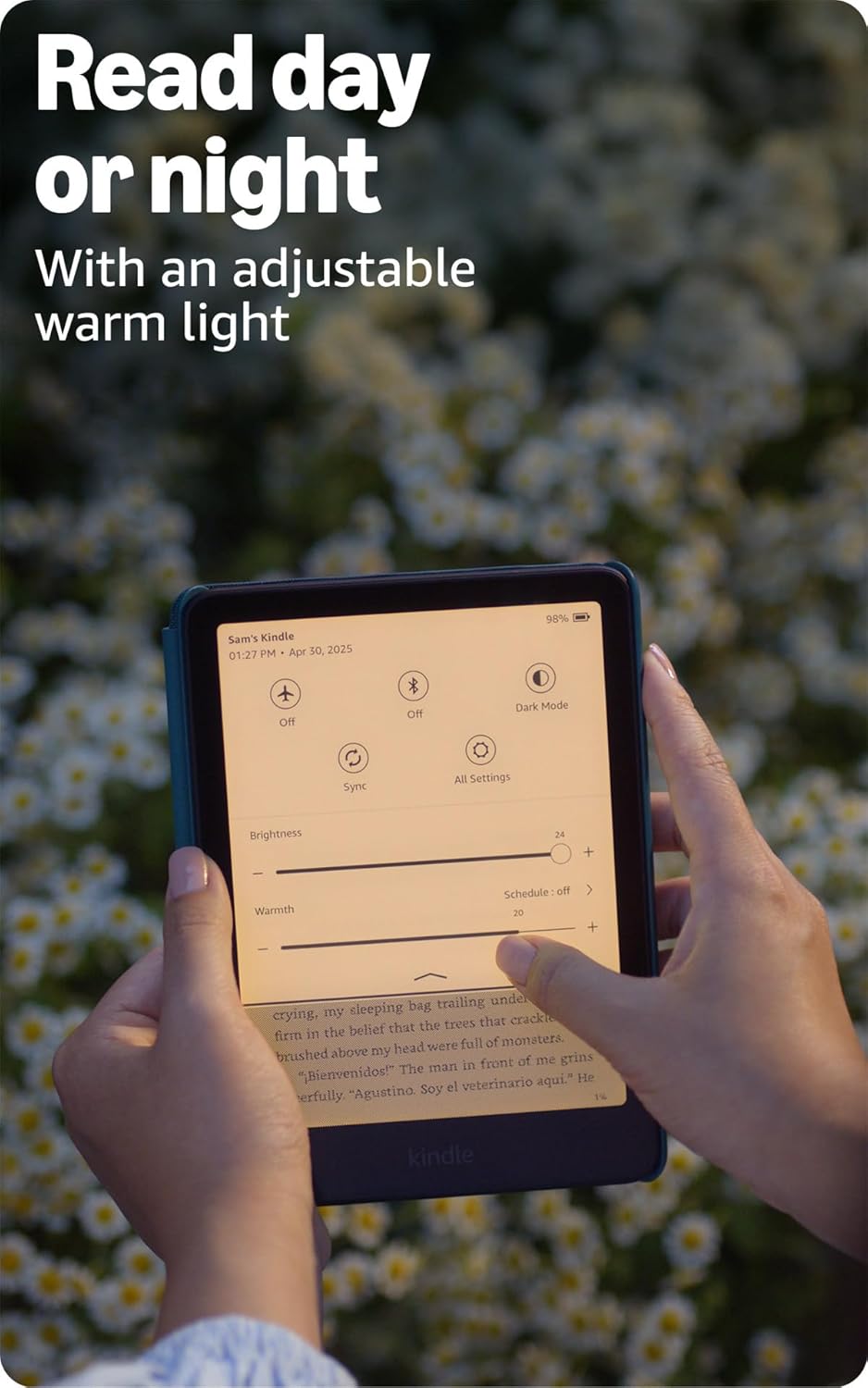
The Paperwhite excels at focused, text‑first reading: its anti‑glare display, long battery life, and responsive interface make it easy to read for long stretches. It’s light to hold and the built‑in lighting adapts well between daytime and nighttime reading sessions.
Trade‑offs include limited multimedia and app support compared with tablets, and constraints around large PDFs or advanced annotation workflows. The device is optimized for reading inside Amazon’s ecosystem, which may be less flexible for users who want alternative storefronts or file‑management options.
Who This Product Is For

This is a strong pick for frequent readers who want a focused, distraction‑free device for long sessions—commuters, travelers, and anyone who carries a large personal library will appreciate the weight, screen, and battery life. It’s ideal for reading in varied lighting and keeping many titles available offline.
Skip it if you need a full tablet experience with color, multitasking apps, or extensive document editing. If your needs include mixed media at home or streaming, consider pairing reading time with other devices such as the Fire TV Stick 4K Plus for living‑room media playback.
As an Amazon Associate, I earn commission on qualified purchases.