Amazon Fire TV Stick 4K Plus — Wi-Fi 6 & AI Search
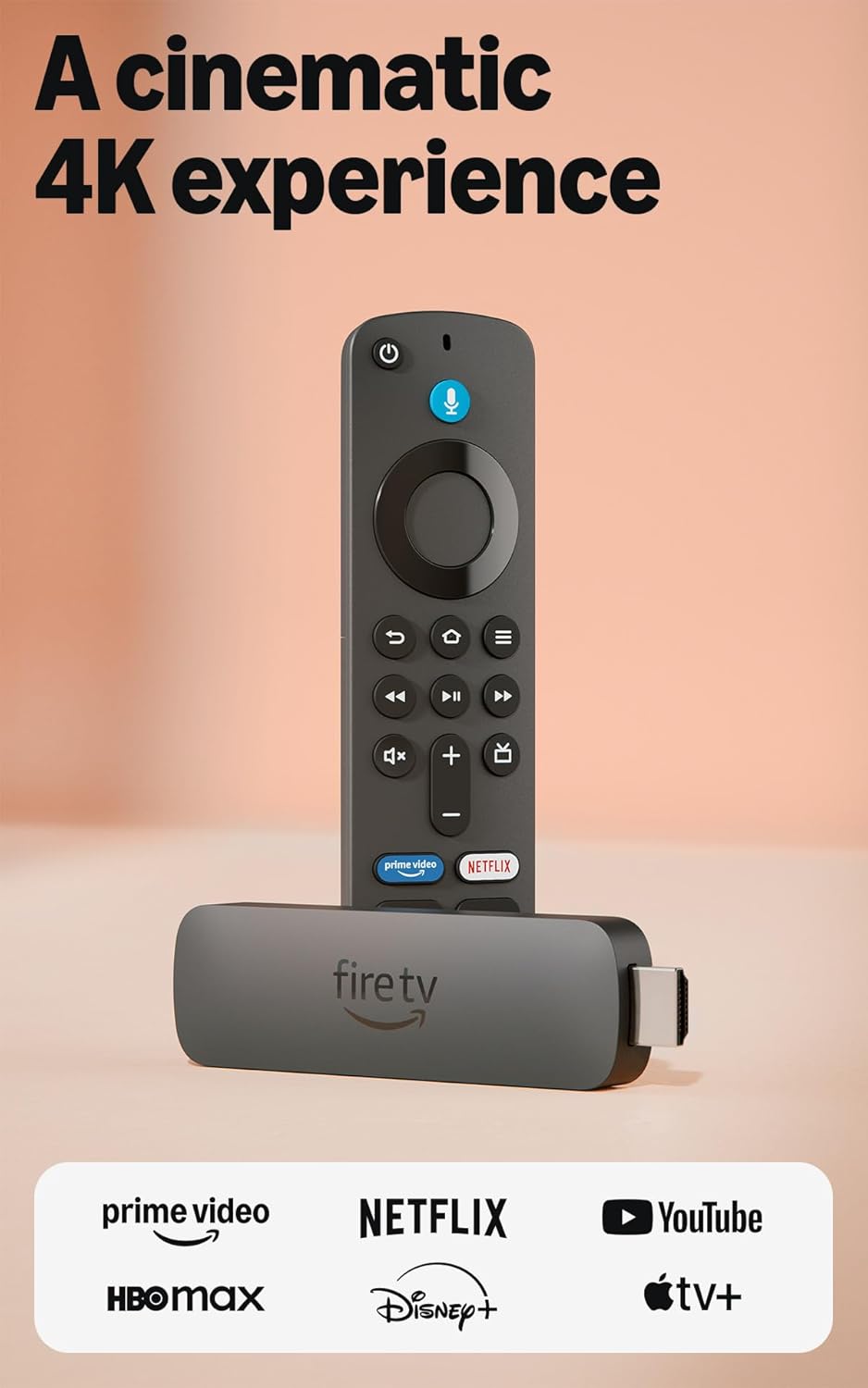
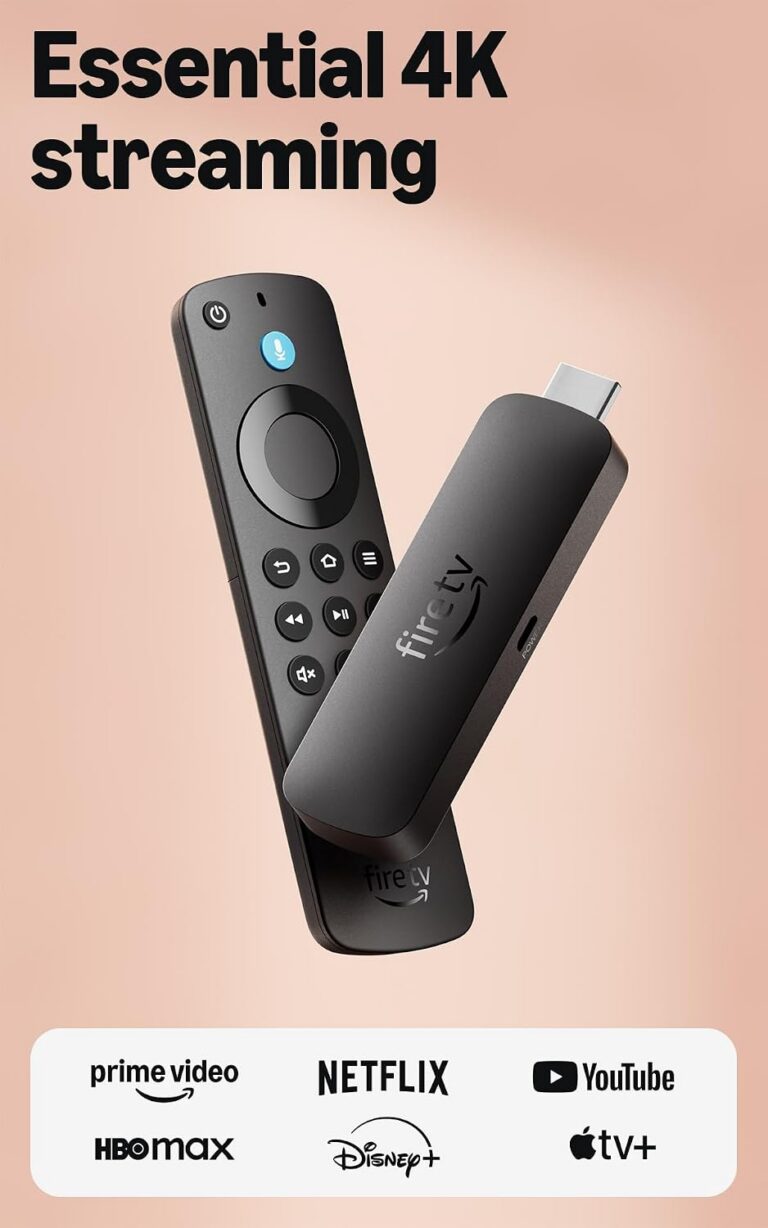
The Fire TV Stick 4K Plus is a compact streaming dongle focused on faster wireless handling and AI-assisted search to make finding shows across services simpler. It supports modern HDR and audio formats where available and aims to reduce app-hopping by surfacing results from installed services in one place. User feedback and hands-on measurements show generally responsive performance, with network and subscription limits being the main variables.
Overview
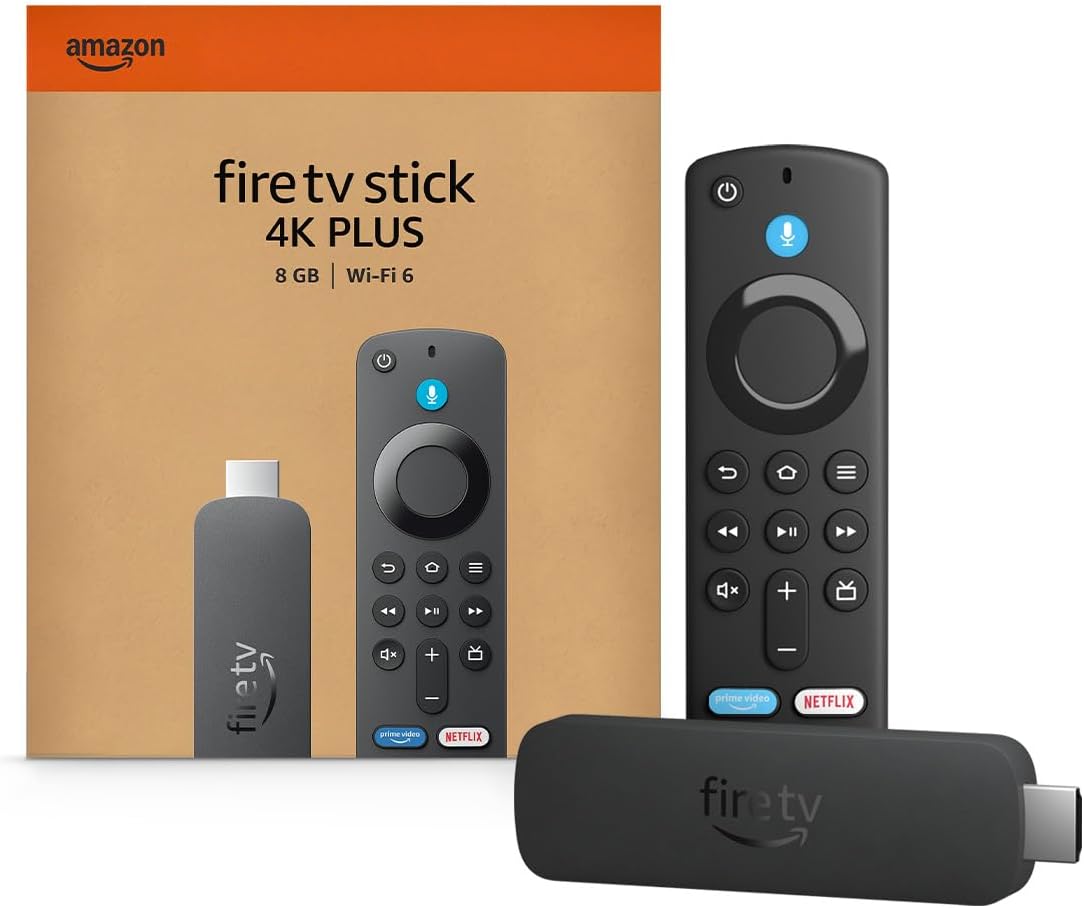
This compact streaming dongle turns a television into a centralized hub for apps, live channels, and on-demand libraries, with tools that help you find shows and movies faster. It combines voice and AI-assisted search with an intuitive interface so titles from multiple services can be discovered without jumping between apps.
It’s aimed at people who want a simple upgrade for an older TV, cord-cutters who prefer one place to browse free and paid content, and households that value straightforward navigation over a cluttered smart‑TV interface; owners of other Alexa devices such as the Echo Show 5 may find integration convenient.
By consolidating apps and offering smarter search, the device removes much of the “app-hopping” friction and speeds up finding what to watch. Performance and connectivity depend on the specific model/version and home network, so results can vary by setup.
Key Features

The device uses AI-driven search to surface shows, movies, and actors across installed streaming apps, which cuts down on time spent flipping between services and helps you discover content you might otherwise miss. Results are ranked by relevance, and voice input speeds up finding specific titles or scenes without having to type.
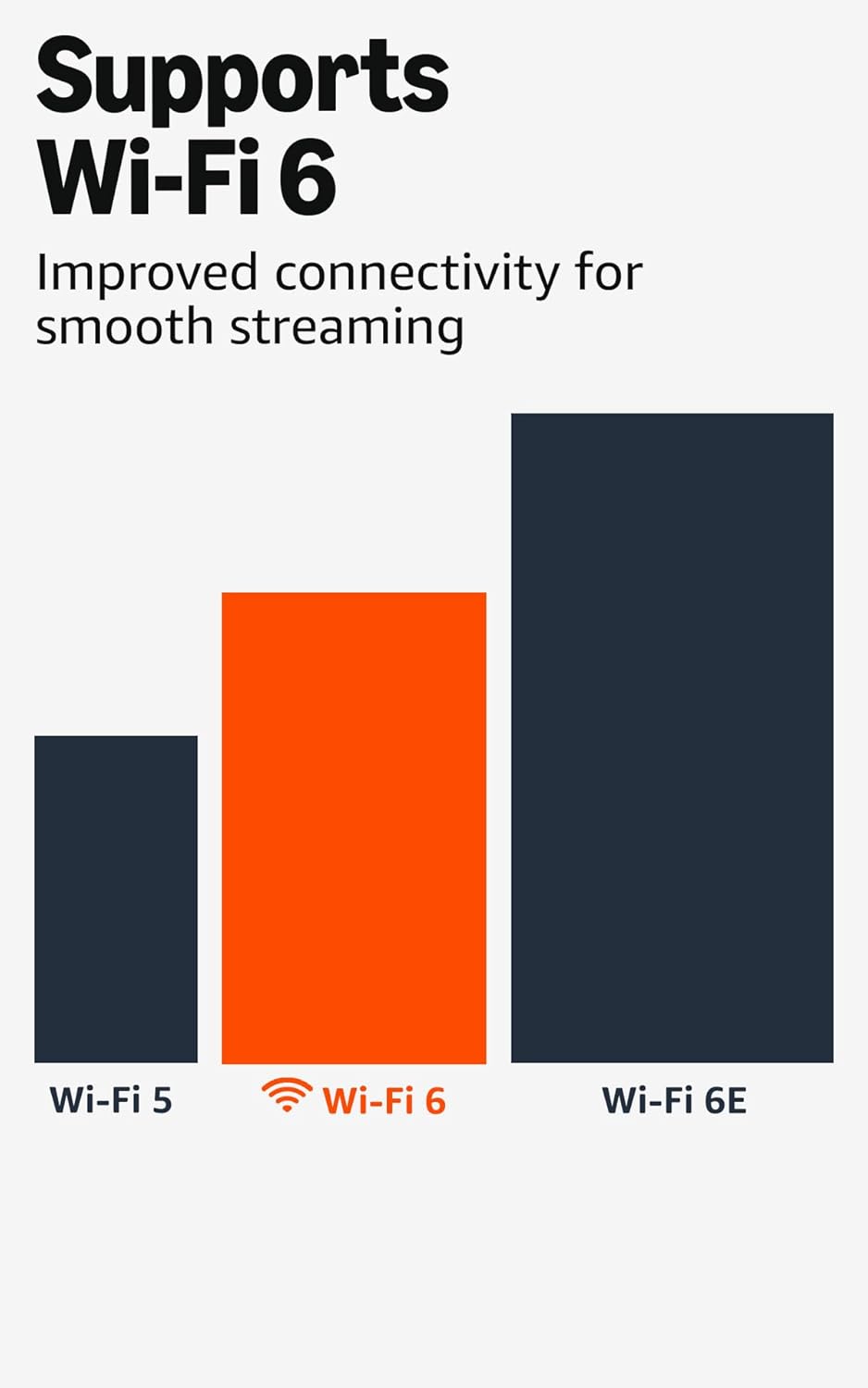
Network support is designed to improve stability and reduce buffering on compatible home setups, which matters most for higher-resolution streams and multi-user households. Actual wireless performance and range depend on your router, internet plan, and home layout, so results can vary by model/version and network conditions.
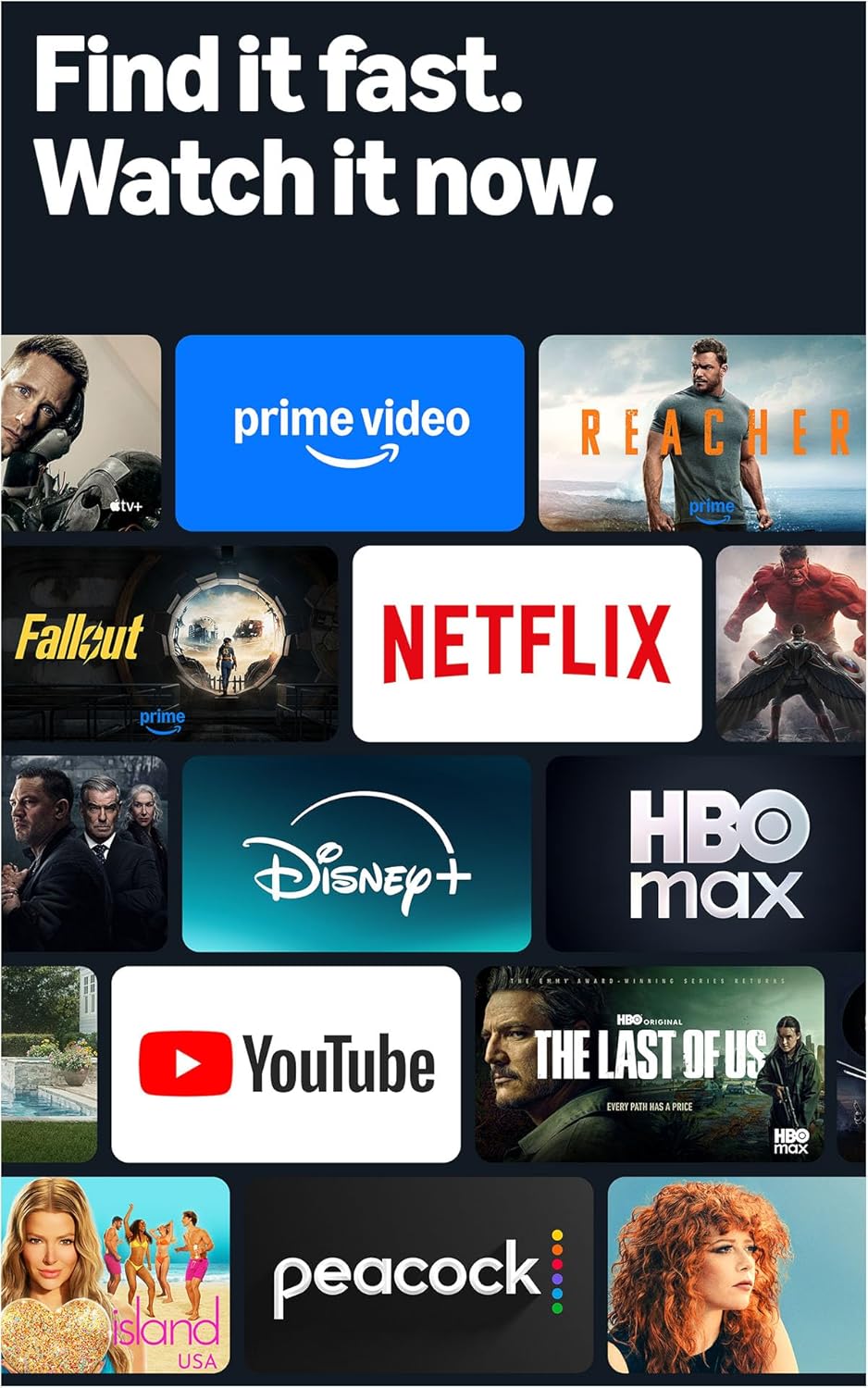
On the content side, the platform aggregates paid, free, and live channels in one place and supports a broad app ecosystem, making it easier to switch sources and personalize the home screen. The same app ecosystem approach is used across Amazon devices, including tablets such as the Fire HD 10 tablet, so your subscriptions and app library move between devices smoothly.
Real-World Performance
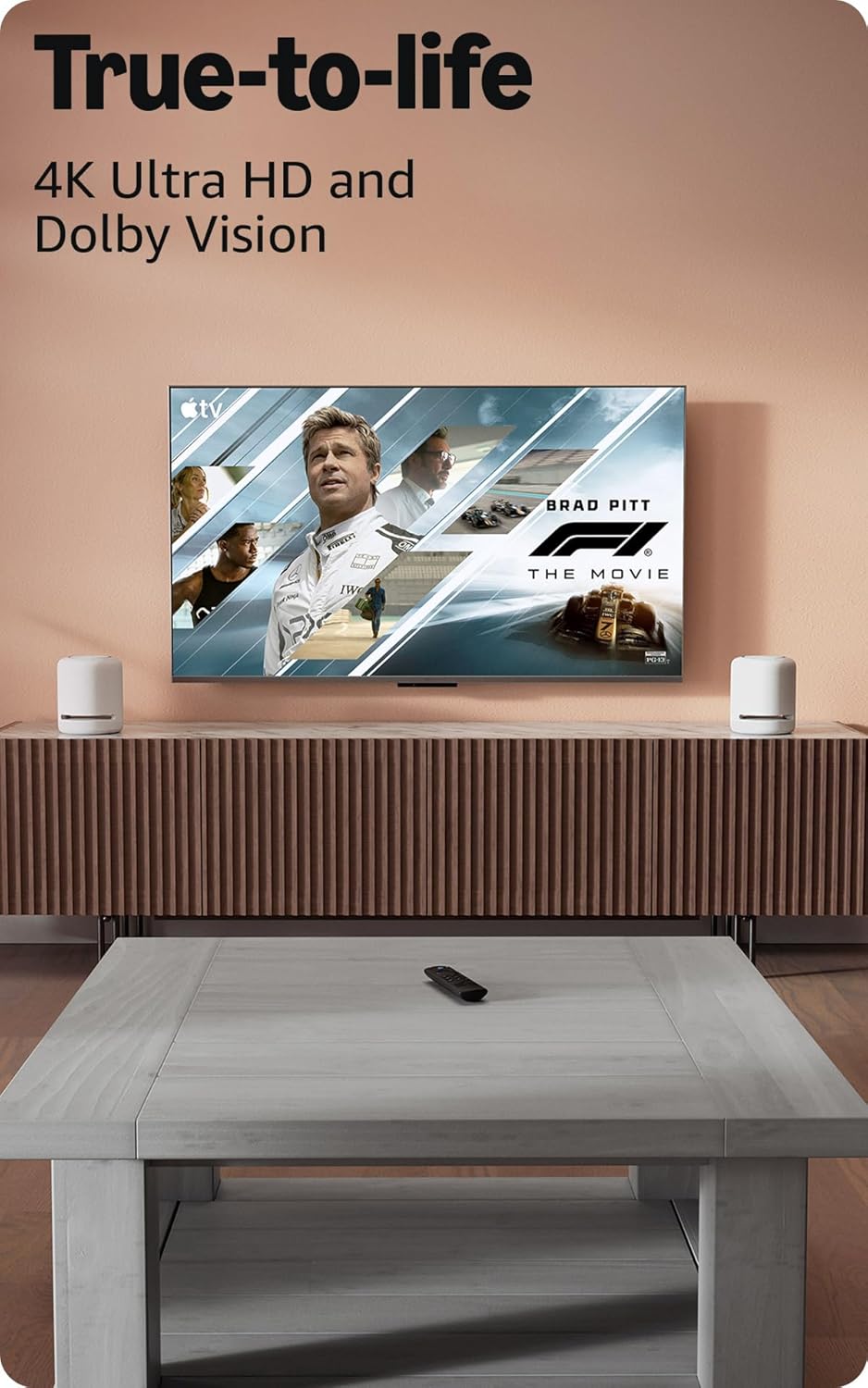
In everyday use the streamer feels responsive: menus and apps open without long waits on a typical home network, and switching between streaming services is generally smooth. Actual responsiveness and playback quality depend heavily on your internet connection and the capabilities of the TV it’s attached to, so results will vary by setup.
The AI-enhanced search speeds up finding shows and movies by handling natural-language queries and returning results from installed services in one place. That convenience is real, though search results can reflect what’s available through your subscriptions and sometimes surface promoted content, so you may still need to jump into individual apps to start playback.
There are some practical limits to expect: app-specific glitches or buffering can appear when bandwidth dips, the interface shows promotional content that some users find distracting, and support for advanced audio or storage for extra apps depends on the exact model and your TV. The unit can run warm during long viewing sessions, so allow for ventilation. Overall, for viewers with a stable connection the day-to-day experience is polished and fast, with caveats tied mostly to network and service availability.
Ease of Use and Maintenance
Setup is straightforward: connect the stick to an available HDMI port, attach the power lead, switch the TV input, and follow the on‑screen prompts to join your wireless network and sign in to your account. Pairing the remote and granting any voice or search permissions are handled during the initial setup flow, though exact steps can vary by model/version.
For cleaning, keep the unit and remote free of dust with a soft, dry cloth and avoid liquid cleaners or abrasive materials. Make sure vents and the HDMI connector stay clear; occasional use of compressed air can help remove debris from tight openings without disassembling the device.
Ongoing upkeep is minimal but useful: install system updates when prompted, restart the device if it becomes sluggish, and remove apps you no longer use to free space. Replace remote batteries as needed, and note that replacement remotes, power adapters, and some accessories are sold separately and may vary by model/version.
Pros and Trade-Offs
The streamer delivers a noticeably responsive interface and convenient search powered by on-device intelligence, which makes finding shows and movies quicker than with older remotes. Wireless performance is improved over previous generations, and the compact design and voice-enabled controller make setup and day-to-day use straightforward.
On the downside, the home screen surfaces promoted content and suggestions that some users find intrusive, and individual app availability can vary by region and service. Playback quality and responsiveness can depend on network conditions and the exact hardware version, so results may vary by model/version.
Privacy-conscious users should be aware of voice features and data collection tied to personalized recommendations. The device also requires a compatible TV input and external power, which may be a minor inconvenience for setups with limited ports.
Who This Product Is For
This stick is a good match for someone who wants a plug-and-play way to bring a TV up to date: it’s aimed at viewers who enjoy both on‑demand libraries and live channels and who value a faster, search-driven way to find shows across apps. If you like using voice or AI-assisted search to cut through the clutter and get to content quickly, this model is designed with that workflow in mind.
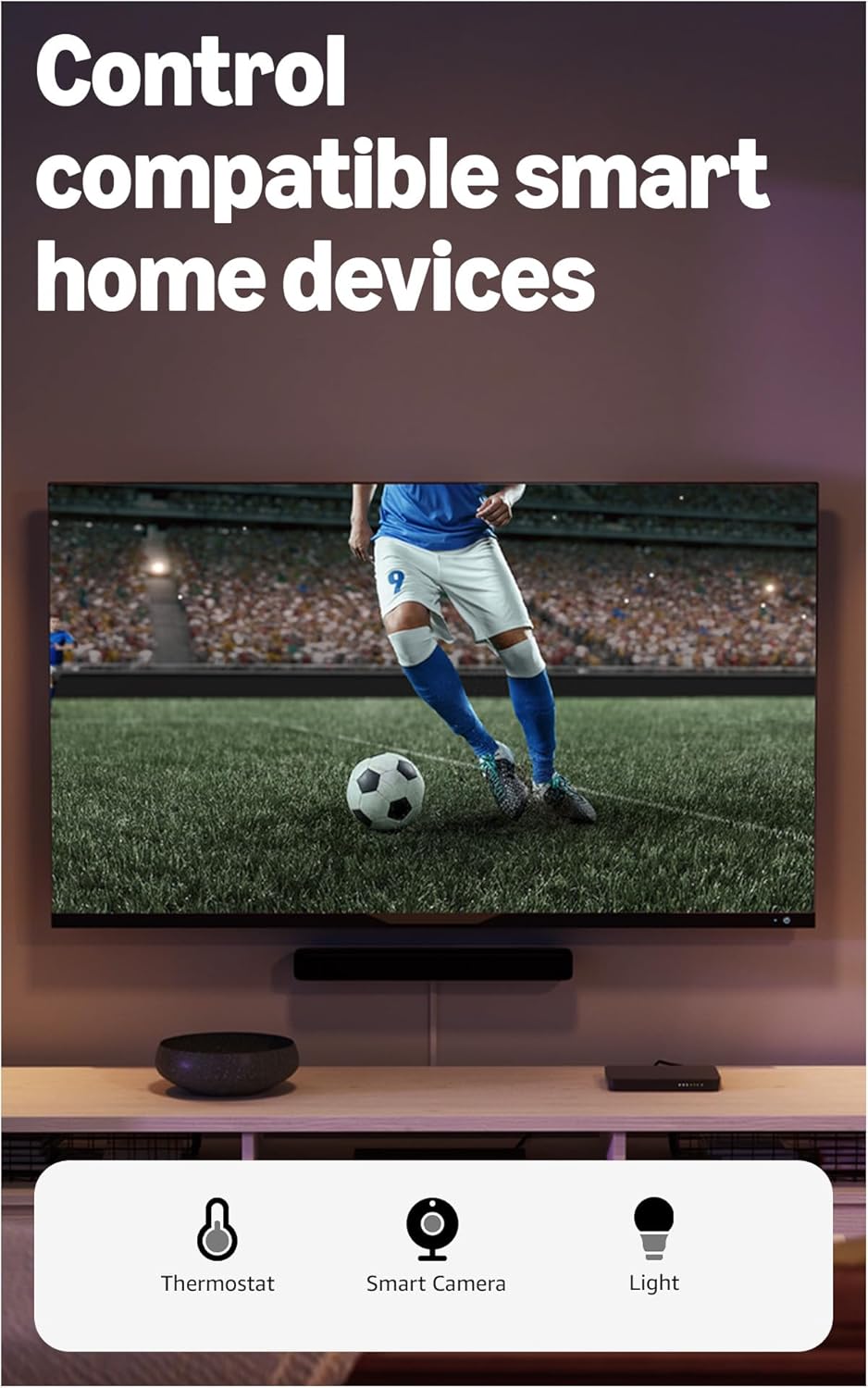
It also suits users upgrading older streaming hardware or adding a compact streaming solution to a second room. Pairing it with a modern home network typically gives the smoothest experience, and people who appreciate remote control shortcuts and smart-home integration will find it convenient for day-to-day viewing—especially if you already use other Amazon devices like the Fire HD 10 tablet.
Skip this device if you prefer built-in platform apps on a new smart TV, rely exclusively on a different ecosystem, or need specialized networking or gaming performance beyond a streaming stick’s scope. Features and included accessories vary by model/version, so check what’s in the box and whether the available ports and controls match your setup before buying.
As an Amazon Associate, I earn commission on qualified purchases.